Give every visitor a customized accessible experience
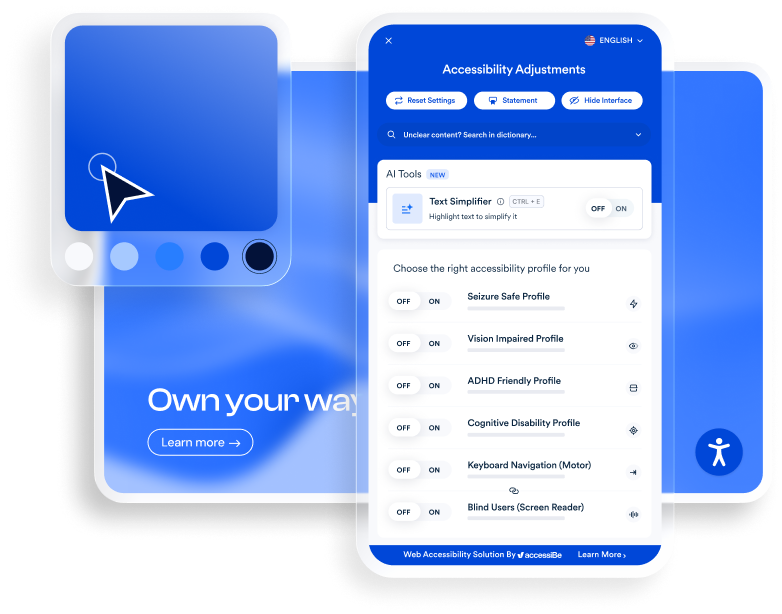
accessWidget empowers people to adjust your site’s interface to match their needs—on demand and without touching your design, codebase, or performance. Each visitor gets a fully personalized experience; you keep full control of your site.
accessWidget’s accessibility interface gives people full control over how they browse your site. They can apply preset profiles or fine-tune settings such as font size, contrast, spacing, and motion.
Adjustments that help every visitor browse with ease
Content adjustments
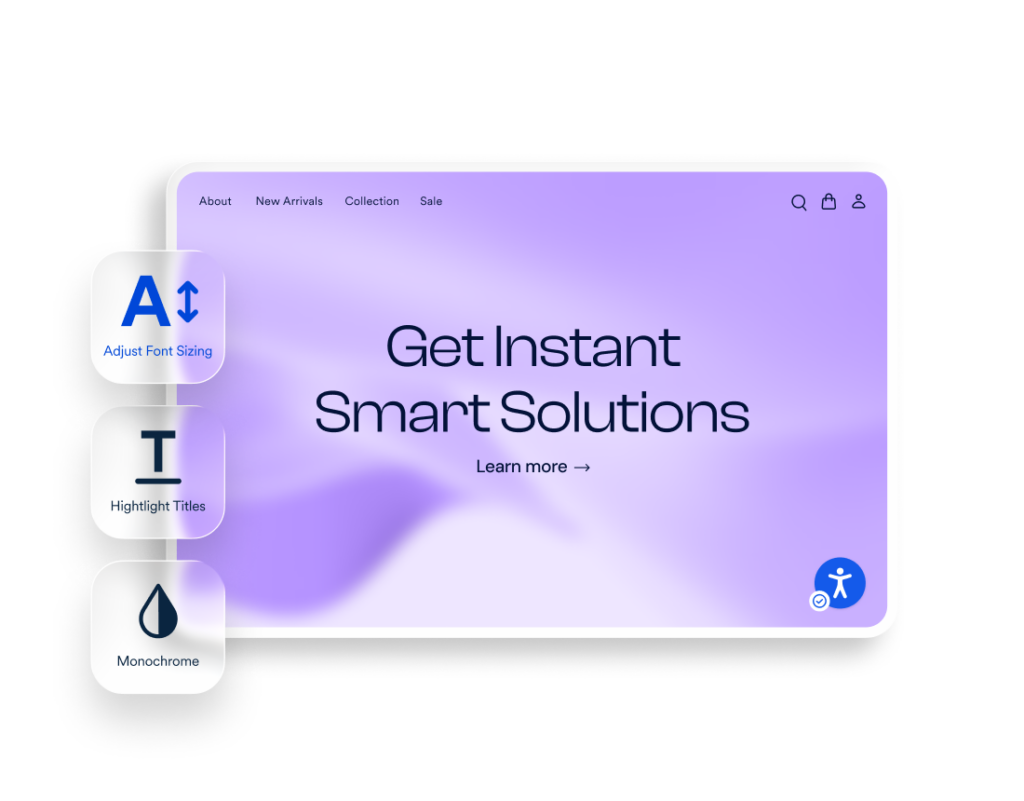
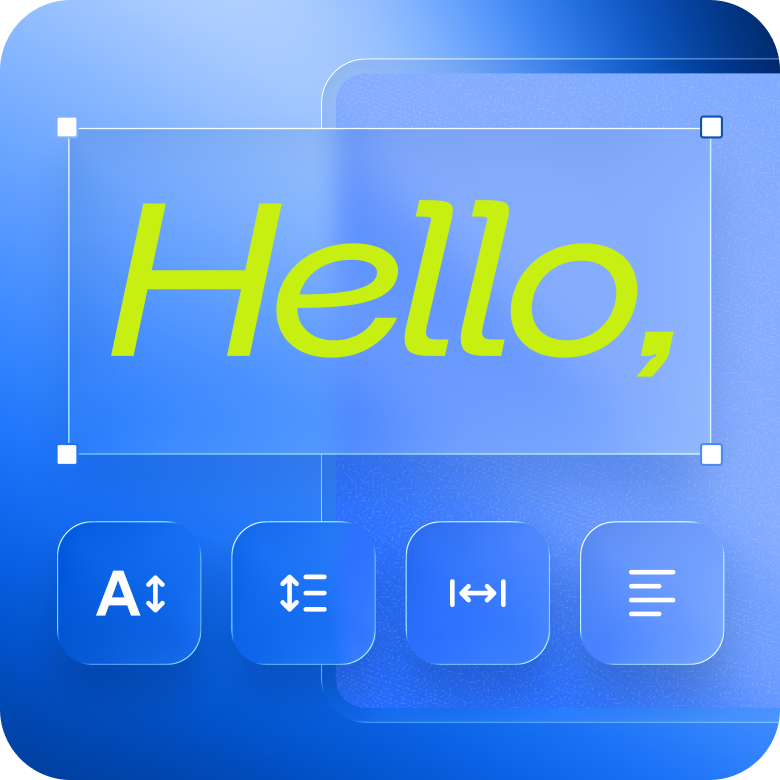
Let visitors change text size, spacing, and alignment so they can read your content in the way that’s most comfortable for them.
Color adjustments
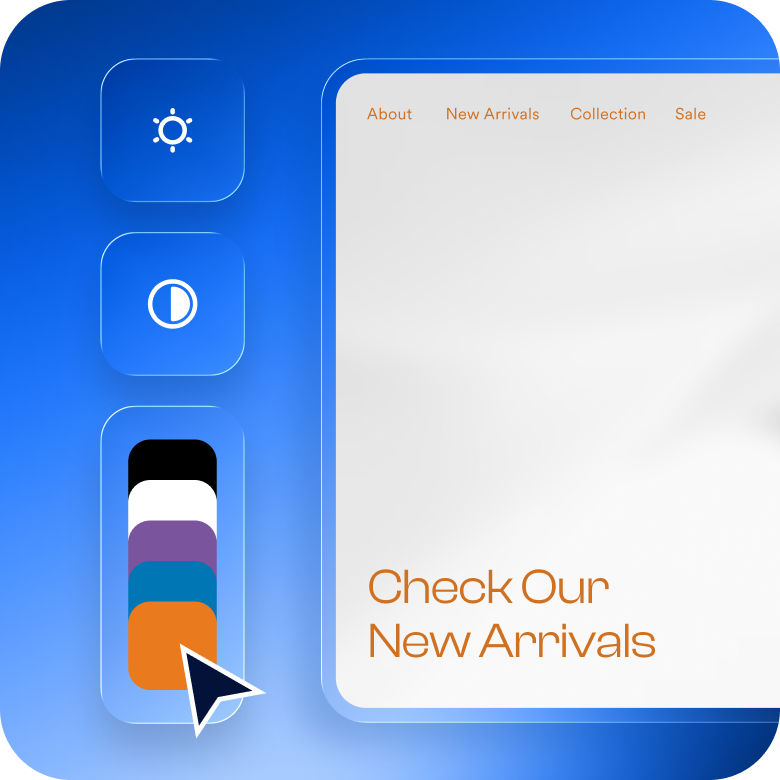
Enable visitors to control contrast, saturation, and text colors across the page to match their visual preferences and accessibility needs
Orientation adjustments
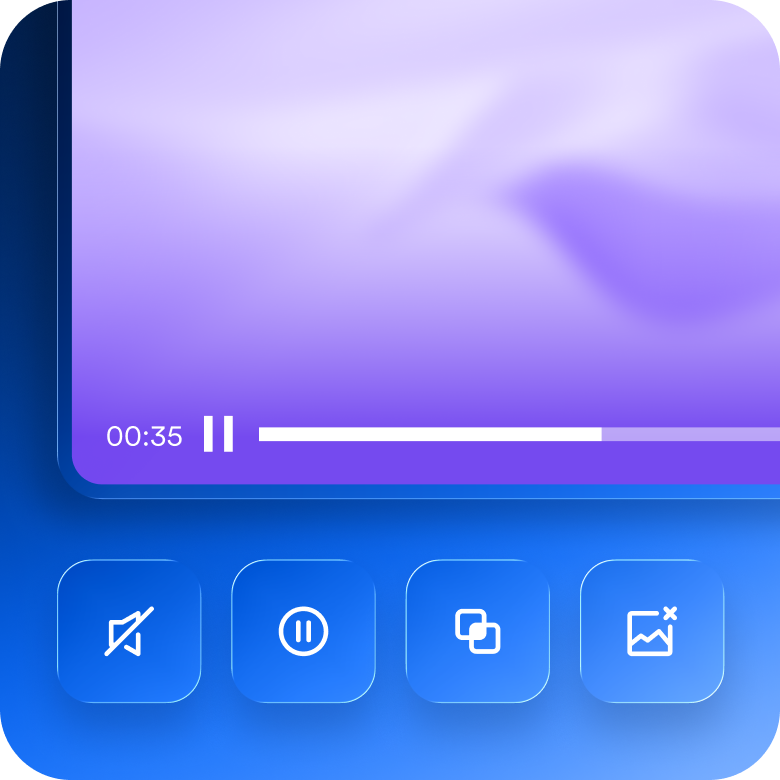
Help visitors reduce distractions by muting sounds, hiding images, stopping animations, and simplifying on-page elements—making it easier to stay focused and oriented while browsing.
Language adjustments
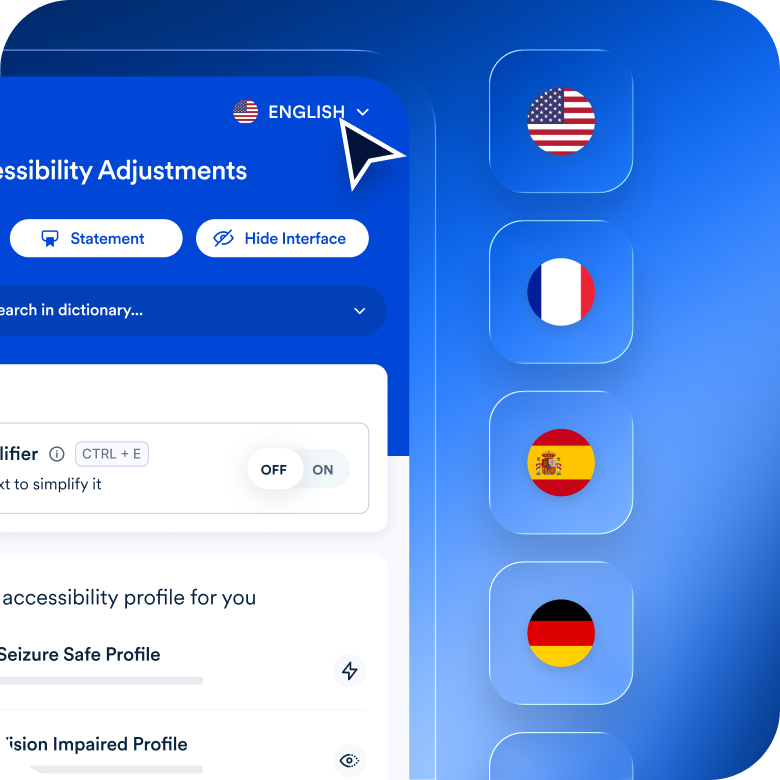
Allow visitors to view your site in 33 languages and simplify complex text using an AI-powered text simplifier and built-in dictionary
Control your interface. Keep your brand intact.
Control the look, placement, branding, and compliance details of the accessibility interface
Colors
Match the interface to your brand
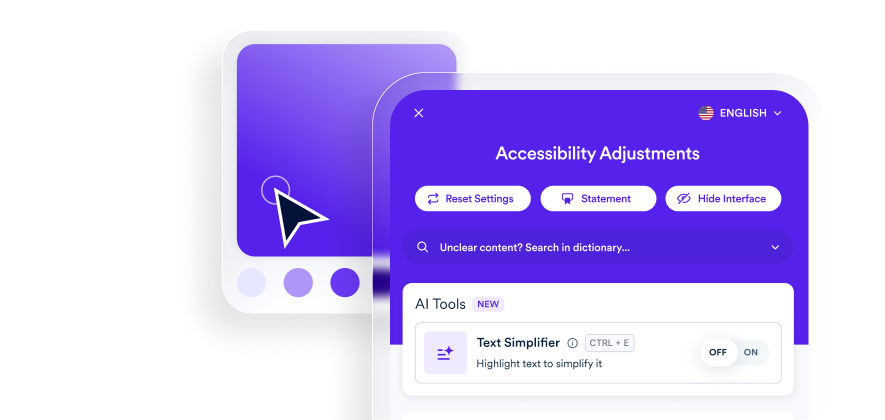
Customize the colors of the accessibility interface and icon to align with your brand palette, so accessibility feels native to your site—not bolted on
Size & placement
Fit the interface into your layout
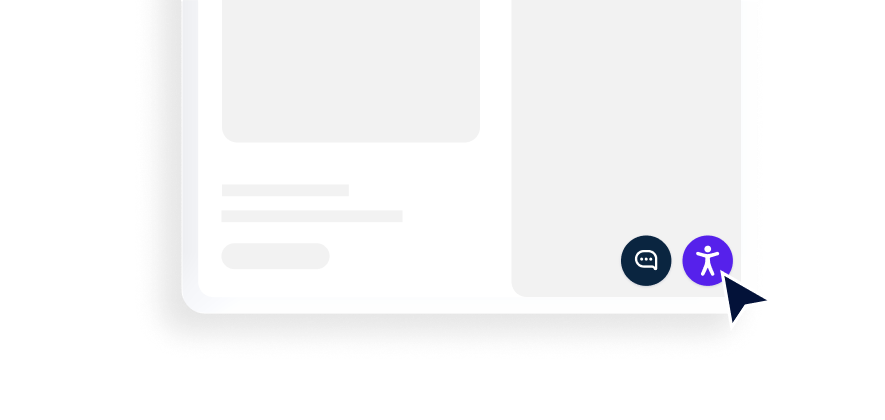
Control the size and placement of the interface on desktop and mobile to avoid conflicts with chat tools, banners, or other on-page elements
Icon
Choose an icon that works for your site
Select the interface icon that best matches your design system and UX preferences, with options built to blend seamlessly into your layout
White labeling
Keep your brand front and center
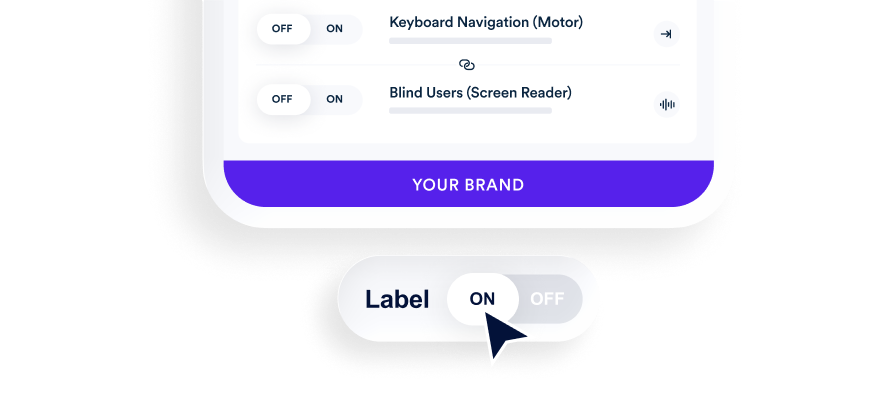
Remove accessiBe branding from the interface—ideal for enterprise teams, agencies, and partners managing accessibility across multiple properties
Accessibility statement
Always visible, always up to date
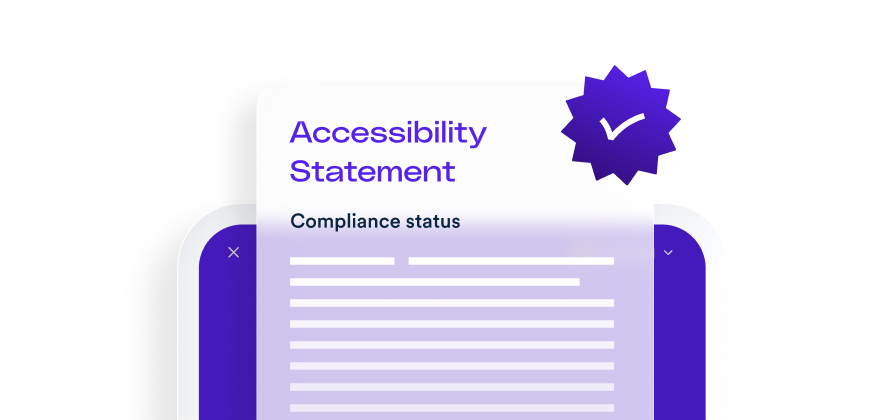
Your accessibility statement is hosted directly within the interface, making it readily available to showcase your ongoing accessibility and compliance efforts
See if your site is accessible, for free
A MARKET FIRST
accessWidget’s built-in AI assistant
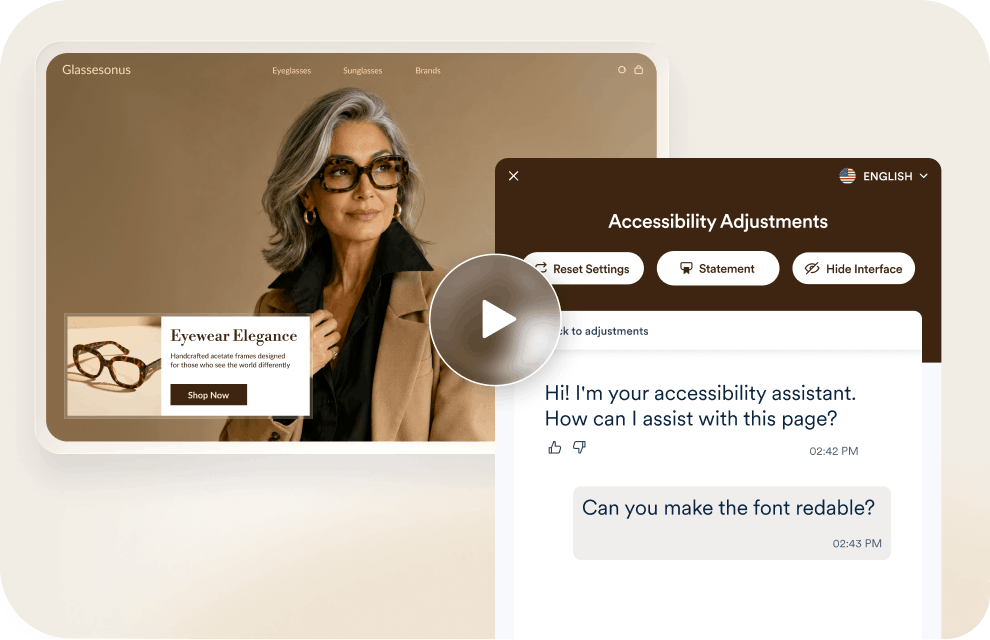
Visitors ask and accessWidget answers — bigger text, higher contrast, plain-language summaries, guided navigation. The same trusted adjustments, just one conversation away.Explore our discounted annual plan for even greater value.
What is Manual Testing and Custom Remediation (MTCR)?
To comply with ADA Title III, which applies to most public-facing businesses, websites are expected to conform to WCAG Level AA. U.S. courts routinely reference WCAG when evaluating whether a website meets ADA requirements, and the Department of Justice has identified WCAG as the guiding standard for digital accessibility under the law. Under ADA Title II — relevant to state and local governments — WCAG 2.1 Level AA is explicitly defined as the standard for digital accessibility compliance.