Your traffic is about to peak. Every abandoned cart costs a little more than usual, and your code is probably already frozen. Nobody should be rebuilding a checkout flow the week before Black Friday.
But a code freeze doesn’t have to mean a learning freeze. The next few weeks will show you, more clearly than any other time of year, where real shoppers slow down, get confused, or give up. Many of those sticking points are accessibility barriers that look like ordinary friction: a form error nobody can find, a button that won’t respond to a keyboard, or a pop-up that’s impossible to close. Around four in 10 people have some kind of accessibility need, whether from a permanent disability, aging, or a temporary condition. That’s a lot of holiday shoppers.
So instead of rebuilding, start paying attention. What you notice over the next few weeks can shape your accessibility priorities for 2027.
Why peak season is the right time to learn
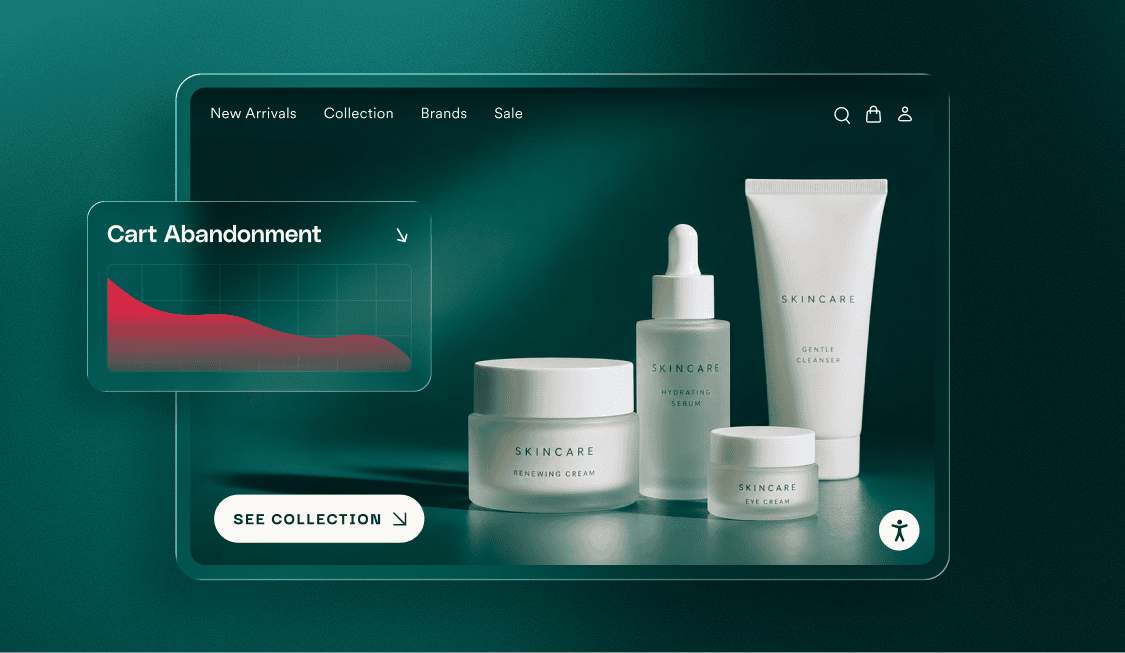
Start with the number every eCommerce team knows too well. Baymard Institute’s average, drawn from 50 studies, puts the typical cart abandonment rate for online stores at 70.22%. Some of that is normal browsing behavior, but much of it isn’t.
Our own research adds another layer. In our eCommerce trends survey of more than 300 eCommerce leaders, 72% said they’re confident their checkout flows are fully optimized. With abandonment still hovering around 70%, that confidence and the results don’t quite line up. The same survey found that nearly one in four leaders admit assistive technologies don’t work on their checkout pages, and only 40% have run an accessibility audit in the past year.
That gap matters because usability problems and accessibility barriers are often the same problem. An unlabeled form field slows one shopper down and stops another completely. A payment window that glitches on mobile is annoying for most people, but it blocks someone who navigates with a screen reader. When these barriers get fixed, every shopper benefits, which is why 87% of the leaders we surveyed believe applying accessibility best practices to checkout would reduce cart abandonment.
Spotting these barriers is the first step to removing them, and peak season is the best chance you’ll get all year to see where they’re happening.
What to watch during the holiday rush
You don’t need a new tool or a new project to do this. Most of what you need is already in your analytics, your support inbox, and your own browser. The goal is simple: notice where shoppers struggle, and you’ll know what to focus on in the new year.
Where carts are abandoned
Look past the overall abandonment rate to the specific step where shoppers leave. A sharp drop at shipping details, payment, or account creation tells you more than the total does. Watch your form error reports too. If many shoppers trigger the same error on the same field, the problem may be the field’s label or error message, not the shopper.
How shoppers find products
Search, filters, and menus get heavy use during sales, when shoppers want to find a deal quickly. Pay attention to searches that return nothing, filters people abandon, and menus that drop off on mobile. Clear structure helps here too. The same headings, labels, and descriptions that help a screen reader make sense of a page can also help search engines understand what you sell. Google, for example, uses image alt text to help understand what a photo shows.
What customers are telling you
Support tickets and chat logs are some of the most honest accessibility data you have. Messages like “the button didn’t work,” “I couldn’t see the discount code,” or “the page kept jumping” often point to barriers that analytics can’t explain. Tag these as they come in so you can find them easily in January.
A quick accessibility scan
If you have a few spare minutes, run your key pages through accessScan, accessiBe’s free accessibility testing tool. It uses AI to simulate user testing and returns a report in seconds, with each issue linked to the relevant WCAG guideline. Start with your homepage, a popular product page, your cart, and checkout.
Anything it flags goes on your list.
The exception: your holiday campaigns
Your checkout code may be frozen, but your marketing isn’t. Holiday emails, banners, social posts, and landing pages will keep going out right up to Cyber Monday. That makes them the one place where small accessibility improvements still fit into the season.
You can save your team time by writing accessibility into the campaign brief. When it’s a requirement from the start, designers and copywriters build it in as they go, instead of reworking finished emails, banners, and videos at the last minute. A few habits go a long way:
- Add meaningful alt text to product and promotional images
- Keep discount codes and offer details in real text, not only inside an image
- Make sure text on banners has enough contrast against its background
- Caption every video, including short social clips
- Write link and button text that says where it goes, such as “Shop the sale” instead of “Click here”
None of these require a developer, and all of them help your message reach more shoppers.
Bring your holiday data to your 2027 planning
Once the rush is over, most teams sit down to review the season and set priorities for the year ahead. That’s when everything you noticed during the rush pays off. Instead of arguing for accessibility in general terms, you can point to the exact steps where shoppers dropped off, the tickets that described the problem, and the issues your accessibility scan flagged.
Start by ranking what you found. It can help to consider how severe the issue is and how many shoppers run into it. Fixing the highest-impact issues early gives your team quick, measurable wins.
Then make sure the fixes last. Accessibility is a practice, not a project. Every new campaign, plugin, product page, and site update can bring back a barrier you already removed. The teams that make lasting progress treat accessibility like performance or security. They run regular audits, build accessibility into design and development workflows, and keep monitoring after every release.
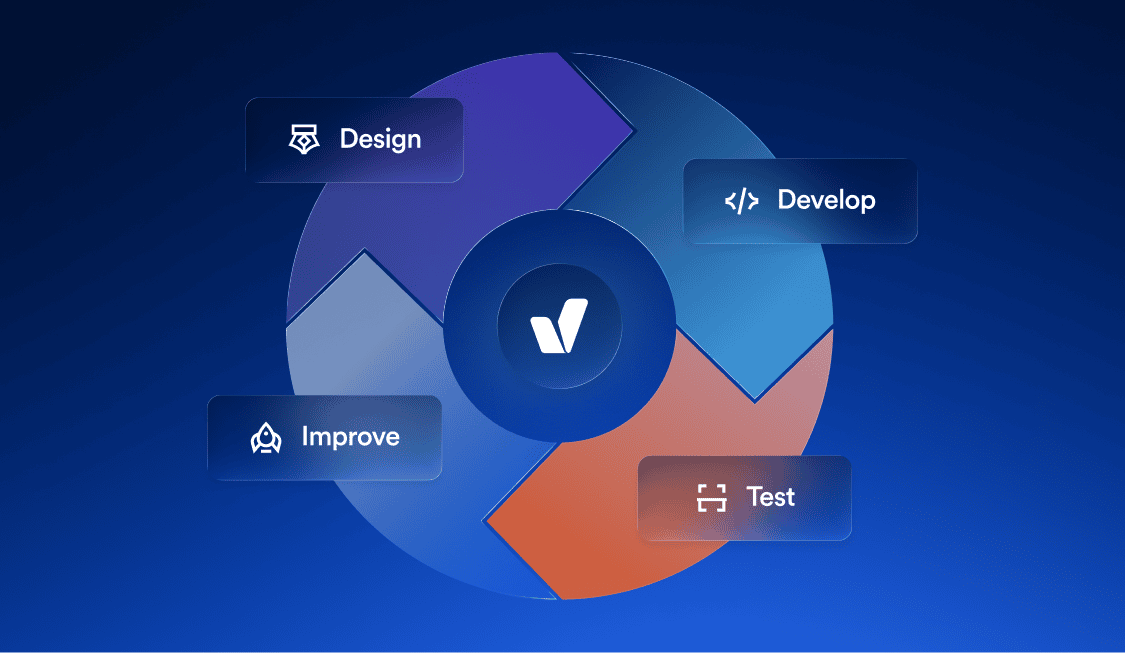
That’s where accessiBe’s platform, which combines AI automation, developer tools, and human expertise, can support your efforts. accessFlow, accessiBe’s agentic accessibility suite, is one example. It brings accessibility into the stages and tools where each team already works, so you can start in design, code, QA, production, or across all four.
Legal risk also drives many businesses to make accessibility a priority. Online stores are among the most frequent targets of accessibility lawsuits, and consistent, ongoing accessibility work helps mitigate that risk.
Accessibility in 2027
The holiday rush might not be time to rebuild your checkout, but it is the time to pay attention. Your traffic will show you where shoppers get stuck, and many of those moments come down to accessibility. Watch your data, read your support tickets, run a quick accessibility scan, and keep your campaigns accessible. Then bring what you learned to your 2027 planning.
We’ll be sharing more practical guidance on improving accessibility throughout 2027. If you’d like help turning your accessibility-related holiday findings into a plan, talk to our team about where to start.