Even the best-designed settings menu still asks a person to translate what they feel into what to click. Bigger text. Less motion. Higher contrast. Someone has to know the name of the thing before they can ask for it.
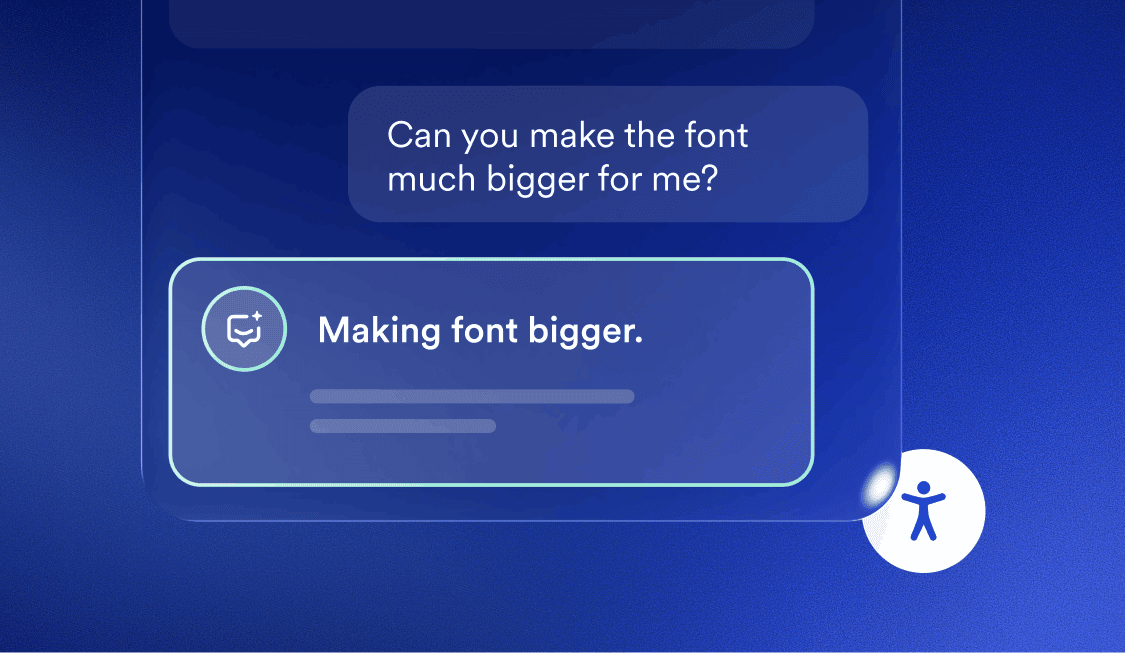
accessWidget’s new AI Accessibility Assistant removes that step. Visitors describe the problem in their own words, and the assistant identifies the response, whether that means applying an adjustment, answering a question about the page, or guiding them to where they want to go.
Here’s what it does, how it was built, and what it means for the people who use your website every day.
What the AI Accessibility Assistant does
Visitors open a chat inside accessWidget and type what they need, the same way they’d describe it to a person. A few examples:
- “The text is too small.”
- “Take me to the footer.”
- “What’s this page about?”
From there, the assistant:
- Applies the relevant accessibility adjustment or profile
- Answers questions about what’s on the current page
- Returns a plain-language summary of the page on request
- Guides visitors to specific elements and shifts focus accordingly
Visitors don’t need to know which disability or setting applies to them. They describe what they need, and the assistant takes it from there.
From configuration to conversation
“Visitors already had every adjustment they needed in accessWidget,” said Robert Lopez, CEO of accessiBe. “Now they can simply ask for it. That’s the difference: same capability, a more natural way to reach it.”
The full settings menu isn’t going anywhere. Visitors who prefer to browse and select adjustments directly still can, exactly as before. The assistant is a second way in, not a replacement for the first.
Adjustments are only half of it
Making the page easier to read or navigate is one thing. Understanding what’s actually on it is another.
That’s where the assistant goes further than adjustment tools typically do. Ask it “what’s this page about?” and it returns a plain-language summary. Ask it to take you to the footer, the pricing section, or the contact form, and it shifts focus there directly.
That combination, adjusting the page and understanding it, is what turns an accessibility feature into a usability one. Visitors aren’t just seeing a clearer page. They’re getting help finding their way through it.
Built with the disability community, not just for it
The AI Accessibility Assistant was developed with feedback from accessiBe’s Inclusive Product Advisory Board and accessLabs, groups made up of people with disabilities who inform accessiBe’s product decisions throughout development, not only after launch.
That’s consistent with how accessiBe has approached “nothing about us without us” across its platform: bringing in the people a feature is meant to serve while it’s still being built, not after it ships.
Part of a bigger platform
See it in action
Watch the AI Accessibility Assistant in action
Try it on your site
The AI Accessibility Assistant is live today for accessWidget customers on Growth Plus plans, alongside every setting already in accessWidget.
To try it:
- Open accessWidget on your website
- Select AI Assistant
- Ask it anything, from “make the text bigger” to “what’s on this page”
Your visitors get a more usable website. You don’t have to configure a thing.
Frequently asked questions
Q1. Is the AI Accessibility Assistant a new product?
A1. No. It’s a built-in feature of accessWidget, not a separate tool or a standalone product.
Q2. Does it replace accessWidget’s existing settings and profiles?
A2. No. Every adjustment and profile in accessWidget remains available exactly as it is. The assistant is an additional way for visitors to reach them, alongside the settings menu.
Q3. Which plans include the AI Accessibility Assistant?
A3. It’s available today on Growth Plus plans. accessiBe plans a phased rollout to additional customers ahead of a full public release.
Q4. What AI powers the assistant, and is its behavior always the same?
A4. The assistant runs on Gemini Flash. Like any AI-powered tool, its responses aren’t fully deterministic and may vary slightly between sessions.
Q5. Does the AI Accessibility Assistant guarantee full accessibility or legal compliance?
A5. No single tool guarantees full accessibility or compliance. The assistant is one part of accessiBe’s broader platform, which also includes developer tools and expert services, and it’s designed to help mitigate legal risk, not eliminate it.
Q6. Does this replace the need for developer-led remediation?
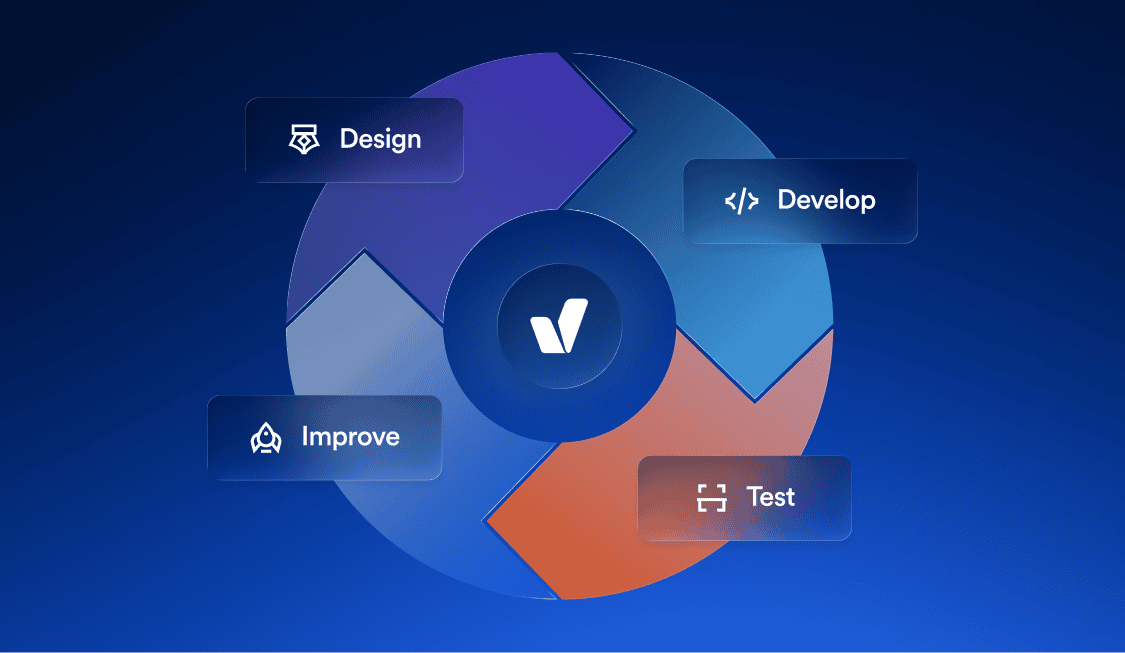
A6. No. Code-level fixes still matter, and accessFlow exists for that reason. The assistant improves the visitor experience at the interface level. It doesn’t change what’s happening in your site’s underlying code.
Q7. Can visitors use the assistant and the classic settings menu at the same time?
A7. Yes. Both are available side by side. Some visitors will prefer to browse settings directly. Others will prefer to just ask. accessWidget supports either.