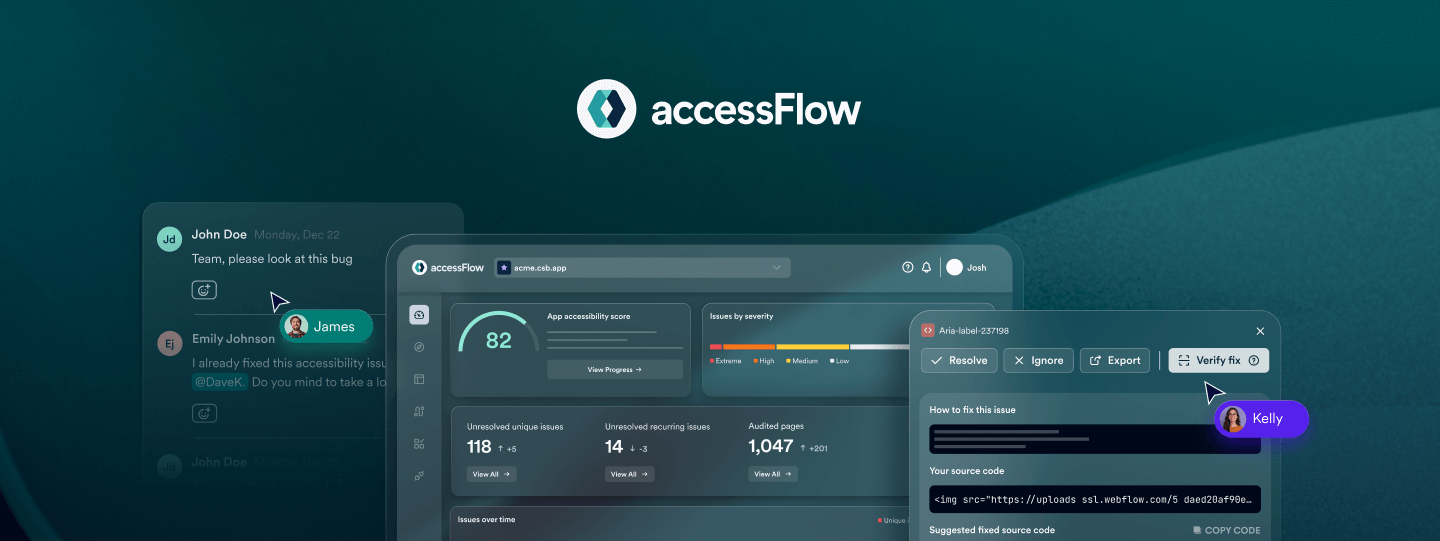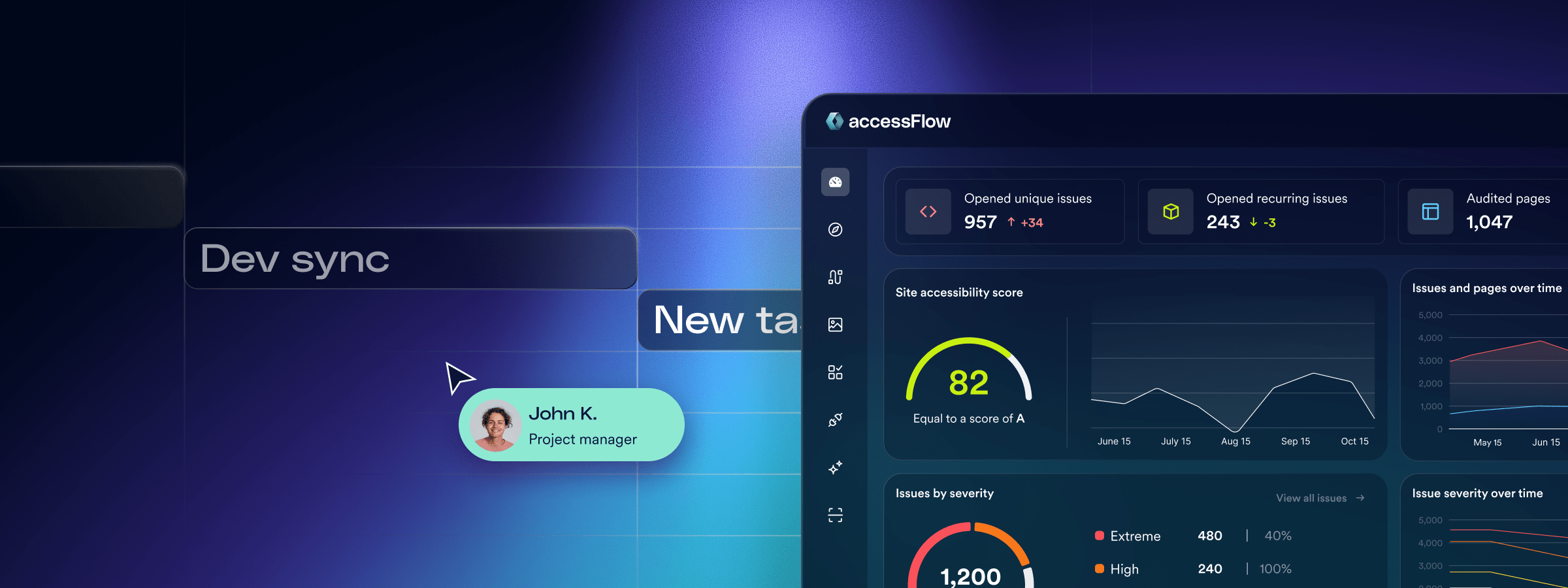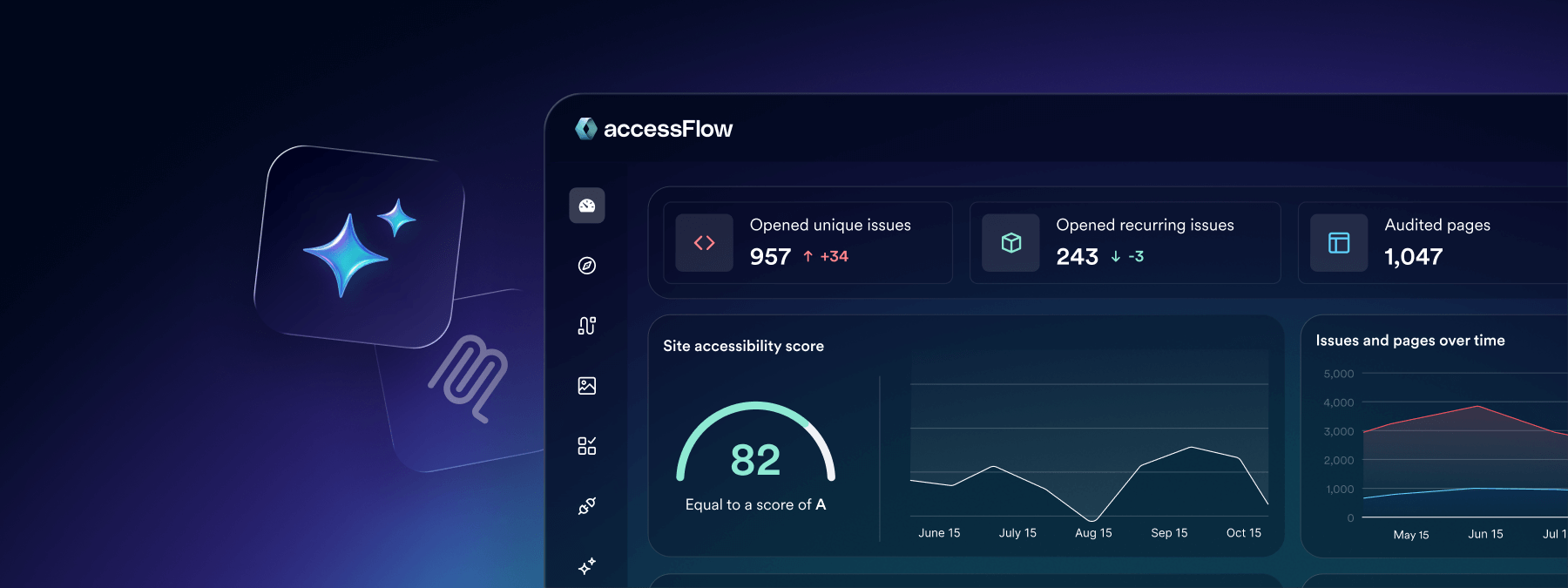
During our recent webinar on accessFlow – accessiBe’s accessibility management platform for developers, we were thrilled by the level of engagement from the engineering community. Many of you brought up insightful questions about integrating accessibility into complex dev workflows and the role of new technologies like the SDK and the Model Context Protocol (MCP).
Below, we’ve detailed the answers to your top questions to help you build more inclusive digital environments from the start.
Missed the live session? Don’t worry—we’re hosting another webinar on January 28th 2026 to dive even deeper into advanced remediation strategies.
How does accessFlow fit into a developer’s workflow compared to other tools?
accessFlow is built to “shift left,” meaning it integrates accessibility testing and remediation into the earliest stages of the development lifecycle rather than treating it as a final hurdle. It bridges the knowledge gap by meeting developers exactly where they already work:
- In the IDE: Through the Model Context Protocol (MCP), accessFlow provides real-time, context-aware remediation suggestions within editors like VS Code or Cursor. This allows developers to fix code as they write it.
- In the Pipeline: The accessFlow SDK integrates into unit testing and CI/CD environments. This ensures that accessibility checks are automated, preventing new code from introducing regressions before it ever reaches staging or production.
- In Project Management: accessFlow connects directly with Jira, GitHub, and monday.com. Any issues detected during scans can be automatically converted into tickets, allowing project managers to assign, track, and prioritize accessibility tasks alongside regular feature development.
How quickly can teams get value from accessFlow?
The value is virtually immediate. Once you enter your domain and run the first scan, you instantly get a clear picture of your website’s accessibility status—what’s working, what’s not, and exactly where to start.
There is no complex setup or lengthy installation required to get started; the platform provides actionable insights and a baseline accessibility score right away.
This immediate visibility allows your team to take control of your inclusion goals and begin mitigating legal risk from day one.
How fast can a dev team realistically set up the accessFlow SDK, and what is the true value of it?
Setting up the SDK is intentionally lightweight and can be completed in minutes. Developers simply install it via npm, add a few lines of code into existing Playwright or GitHub actions, set their project token, and start scanning.
Once running, the SDK returns:
- Detailed reporting: Structured JSON or HTML reports featuring issue lists, severity levels, and exact code locations (CSS selectors or XPath)
- Guidance: Each reported issue includes a WCAG reference and suggested code fixes to accelerate remediation
- CI Control: A clear pass/fail signal for CI/CD pipelines, allowing you to set build-failure thresholds based on severity or issue count
How is the MCP different from regular AI Copilot suggestions?
Unlike general AI tools that may lack specific accessibility context, the Model Context Protocol (MCP) makes your AI agent “accessibility aware”. Every suggestion provided by the MCP is grounded in verified WCAG criteria and your own project’s accessFlow audit data.
You’ll see the exact rule reference, a short rationale, and ready-to-use code-level fixes.
What makes this even more powerful is that your AI agent—whether it’s GitHub Copilot, Cursor, or another MCP-compatible tool—can leverage accessFlow’s full accessibility knowledge base to automatically resolve issues, saving developers from having to manually remediate every line from scratch.
How secure is the MCP?
Security is a core component of the MCP architecture, and we’ve designed the integration to be enterprise-ready. The protocol uses token-based authentication that is strictly scoped to your specific organization and project, ensuring that only authorized users can access the data.
Crucially, the MCP server respects all organizational data boundaries.
It is designed to facilitate local communication between your tools and accessFlow’s knowledge base without exfiltrating your source code or audit data outside of your secure environment. This allows your team to leverage AI-driven remediation with the confidence that your proprietary data remains protected.
Experience the future of accessibility engineering—powered by AI
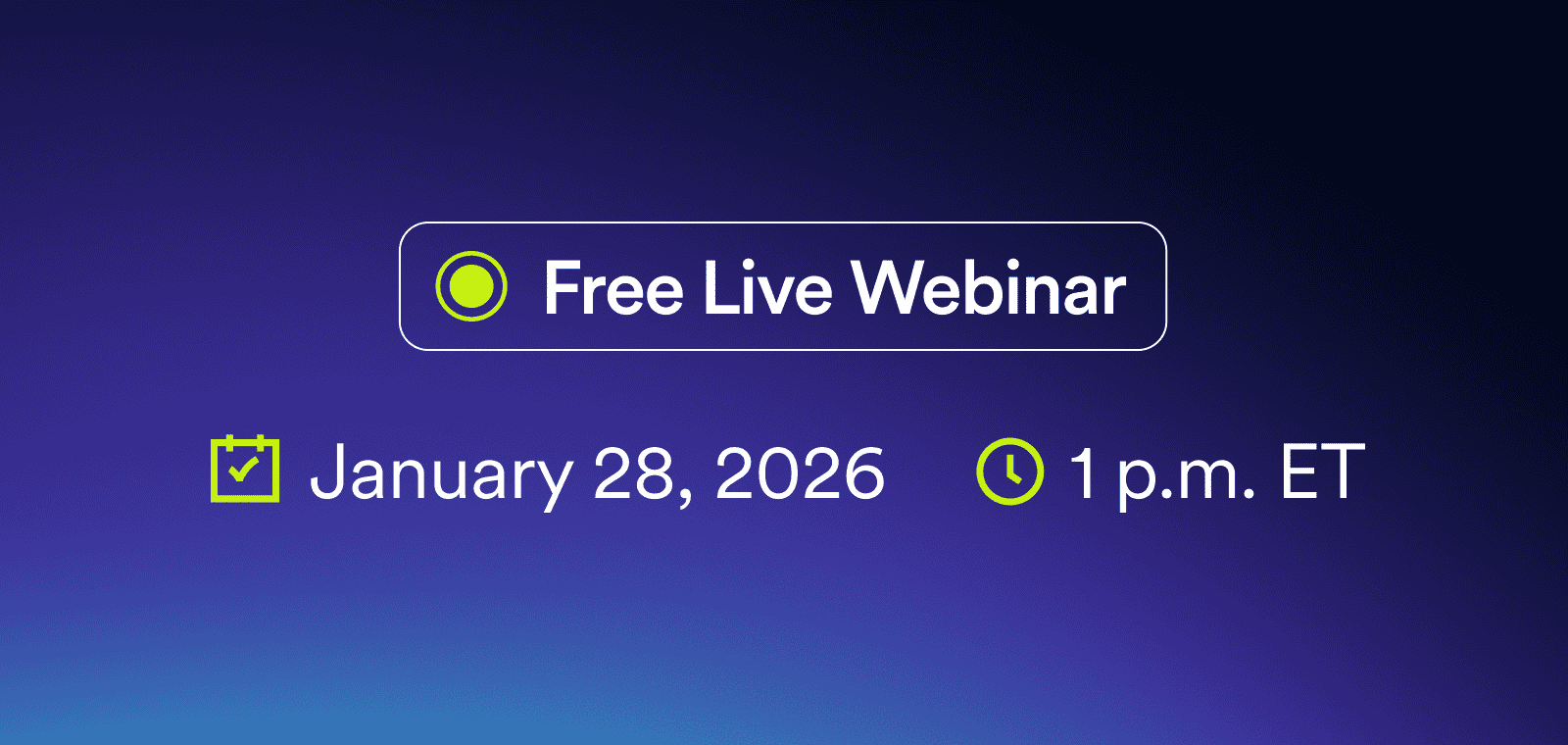
Join our upcoming webinar on January 28, 2026, at 1 p.m. ET for an interactive deep-dive into these features. Our product experts will showcase how to make accessibility simple, visual, and seamlessly built into your workflow.
You’ll walk away with practical tips to scale accessibility across your organization without slowing your sprints:
- Clear your backlog: Discover how to weave accessibility into product and dev workflows to reduce technical debt and focus on shipping.
- IDE intelligence: See how the MCP identifies and fixes issues directly in your IDE before they ever reach QA.
- SDK testing: Learn to catch accessibility regressions locally or in staging environments right where developers work.
- No added overhead: Master AI-powered alt text generation and auto-resolve to apply code-level fixes as you go.
Save your spot today and start your journey toward sustainable accessibility.