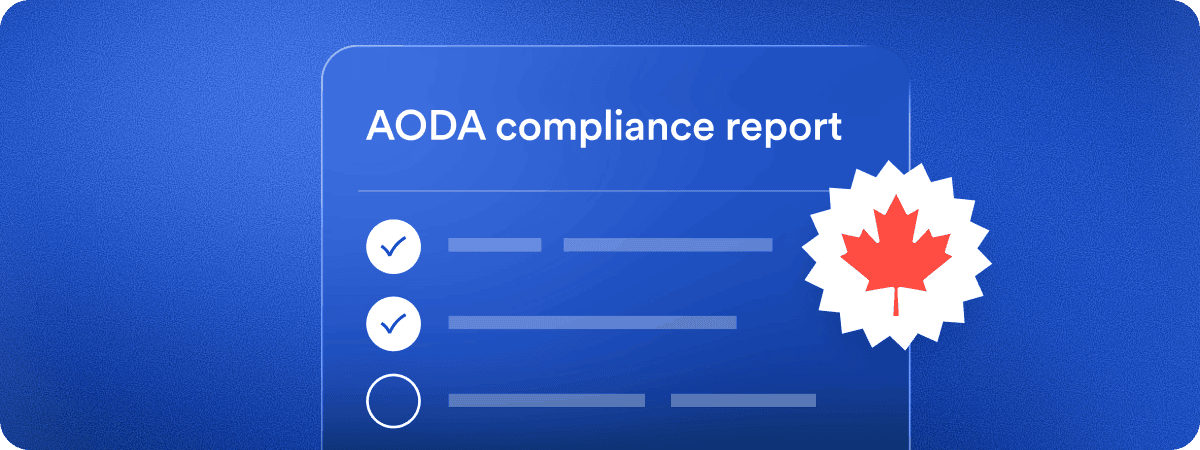
If you’ve already confirmed your organization needs to file an AODA accessibility compliance report by December 31, 2026, this is the part that actually matters: what filing looks like, step by step, and what to have ready before you start.
Filing through the portal
Ontario has moved accessibility compliance reporting from the old interactive PDF process to the online Accessibility Compliance Reporting Portal, run by the Ministry for Seniors and Accessibility. You complete and submit the report directly in the portal, where you can also save drafts and update your organization’s profile.
Here’s what filing looks like:
- Select “Sign In/Create Account” in the portal and register with an email address and password.
- Start a “New Submission” and select “Accessibility Compliance Report.”
- Enter your organization’s legal name, business number, Ontario employee count, and certifier information.
- Select your organization category and employee range — the portal presents compliance questions based on what applies to you.
- Have a senior officer, or another person with authority to legally bind the organization, certify that the report is complete and accurate.
- Review and submit. A confirmation email, including a confirmation number, goes to both the certifier and primary contact.
What you actually need ready
This isn’t the same for every filer — it depends on your organization’s size.
If you have 50 or more employees, or you’re a designated public-sector organization, you’ll need:
- Written accessibility policies
- A written multi-year accessibility plan
- Evidence that your public websites and web content conform to WCAG 2.0 Level AA
If you have 20–49 employees, you still need accessibility policies in place — but they don’t have to be written or published, and the WCAG website requirement generally doesn’t apply to you.
accessiBe’s here to help
Answering the portal’s compliance questions accurately means knowing, with certainty, where your website actually stands against WCAG 2.0 Level AA — not assuming. Many organizations only discover that gap once someone actually tests the site, which is exactly where filing can start to feel daunting.
The place to start is simple: a free accessScan audit gives you a fast, automated read on the gaps that need attention.
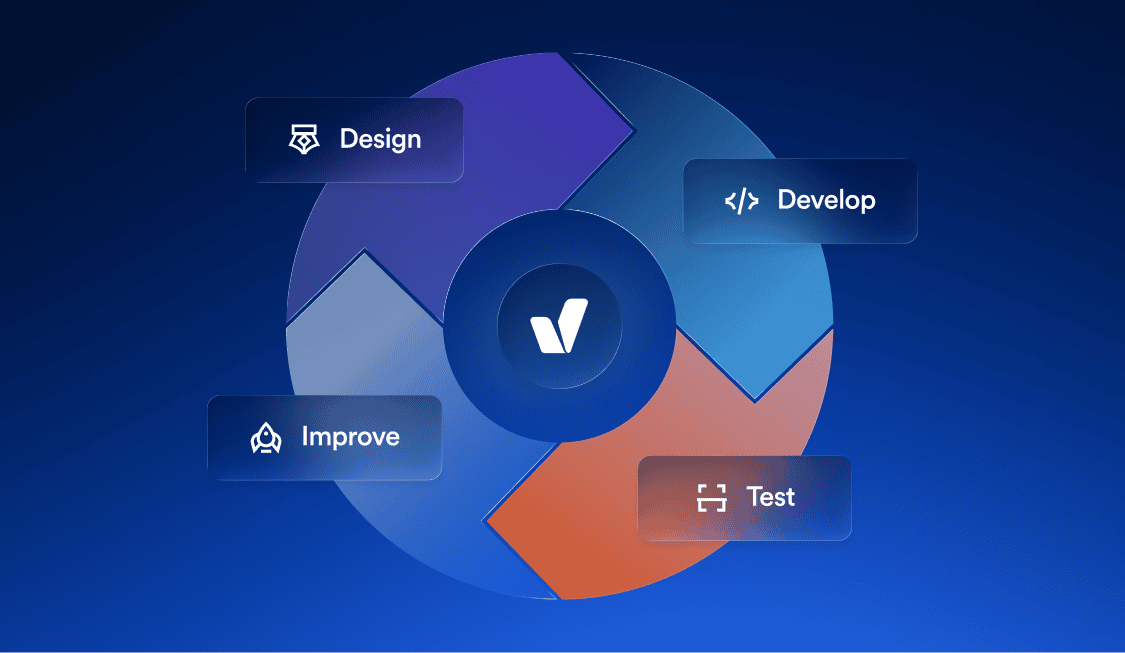
From there, accessiBe can help you close them. Expert audits — including testing by people with disabilities — surface what automated tools alone tend to miss. accessWidget, an AI-powered accessibility solution, works alongside an accessibility interface to apply remediation within 48 hours of installation. accessFlow, an accessibility hub for developers, enables you and your dev team to identify and resolve issues directly in the codebase, with WCAG-aligned guidance built into your existing workflow.