CI/CD accessibility testing is the integration of automated Web Content Accessibility Guidelines (WCAG) conformance checks into the continuous integration pipeline. When a developer commits code or opens a pull request, the pipeline runs checks, including accessibility tests, and reports findings before the code is merged or deployed.
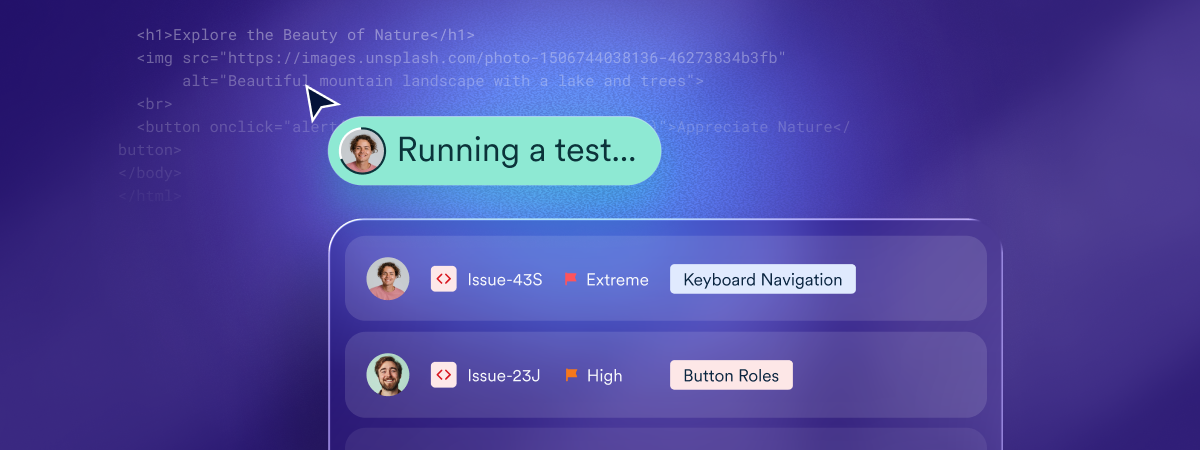
Depending on the configuration, accessibility failures can block a build or generate a review queue. Most teams start with the second approach and tighten requirements as their practice matures. Source-code accessibility tools such as accessFlow make this possible in practice — scanning committed code for WCAG issues and surfacing findings directly in the pipeline, before changes ever reach production.
What CI/CD testing covers, and what it doesn’t
CI/CD accessibility testing reliably surfaces technically verifiable WCAG criteria: contrast failures, missing ARIA attributes, unlabeled form elements, structural heading issues, and keyboard focus problems. It cannot evaluate whether content is genuinely understandable, whether a user flow works in practice with a screen reader, or whether alt text is meaningful. CI/CD testing reduces the volume of issues that reach production. It works alongside, not instead of, manual expert evaluation. Platforms like accessFlow are built around this pairing — automated CI/CD checks feeding into a broader monitoring and remediation workflow.
Why CI/CD accessibility testing matters
The cost of fixing an accessibility issue scales dramatically with how late it is discovered. An issue caught during code authoring, flagged by a linting tool, may take minutes to fix. An issue caught in CI before deployment takes more effort. An issue caught on the live site requires a bug ticket, prioritization, and a hotfix cycle. An issue caught in litigation requires all of that plus legal involvement. Earlier detection is cheaper detection. CI/CD is the structural practice that moves detection earlier, which is why dev team leads typically decide where in the pipeline these checks sit.
How to implement CI/CD accessibility testing
Teams typically roll this out in four stages, moving from visibility to enforcement:
1. Integrate a WCAG scanning library into your existing pipeline, without blocking builds yet
The goal at this stage is visibility, not enforcement. Adding a scanning step that only reports findings — rather than failing the build — lets the team see what’s actually there before anyone has to change how they work.
accessFlow’s CI/CD integration is built for exactly this: it plugs into an existing pipeline and starts surfacing findings without requiring build rules to change on day one.
2. Review the initial report to understand current volume and issue types
Most codebases surface far more findings than expected the first time a scan runs. This step is about getting a realistic picture of where the issues are concentrated (a handful of components generating most of the noise, for example) rather than reacting to the raw count.
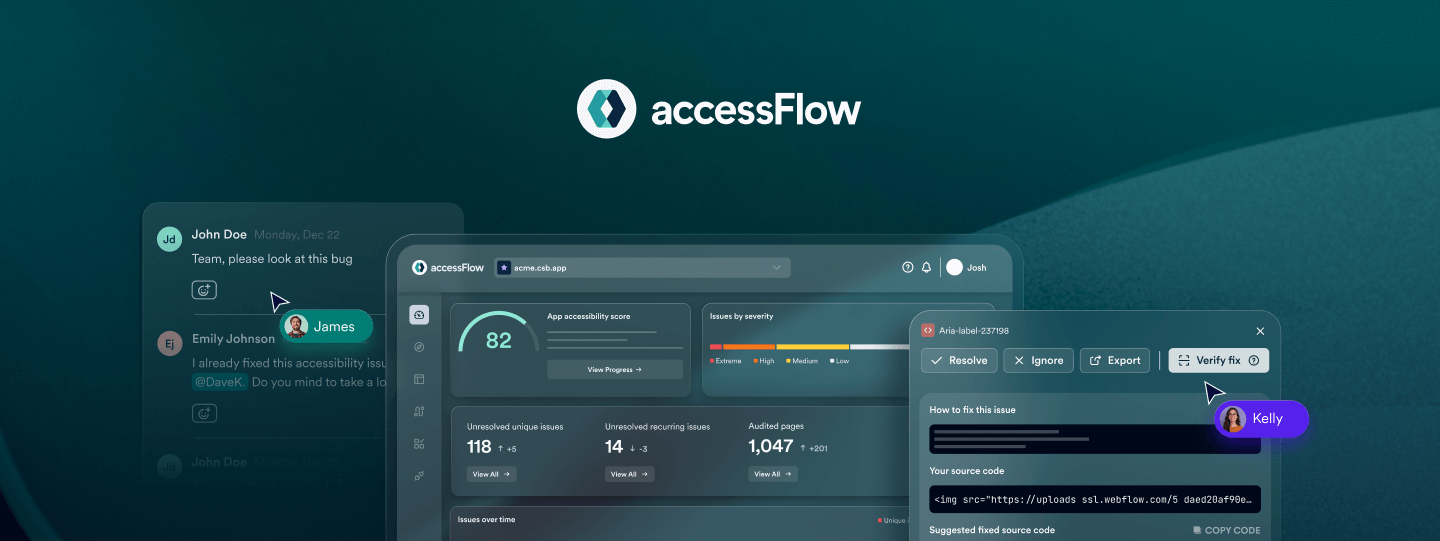
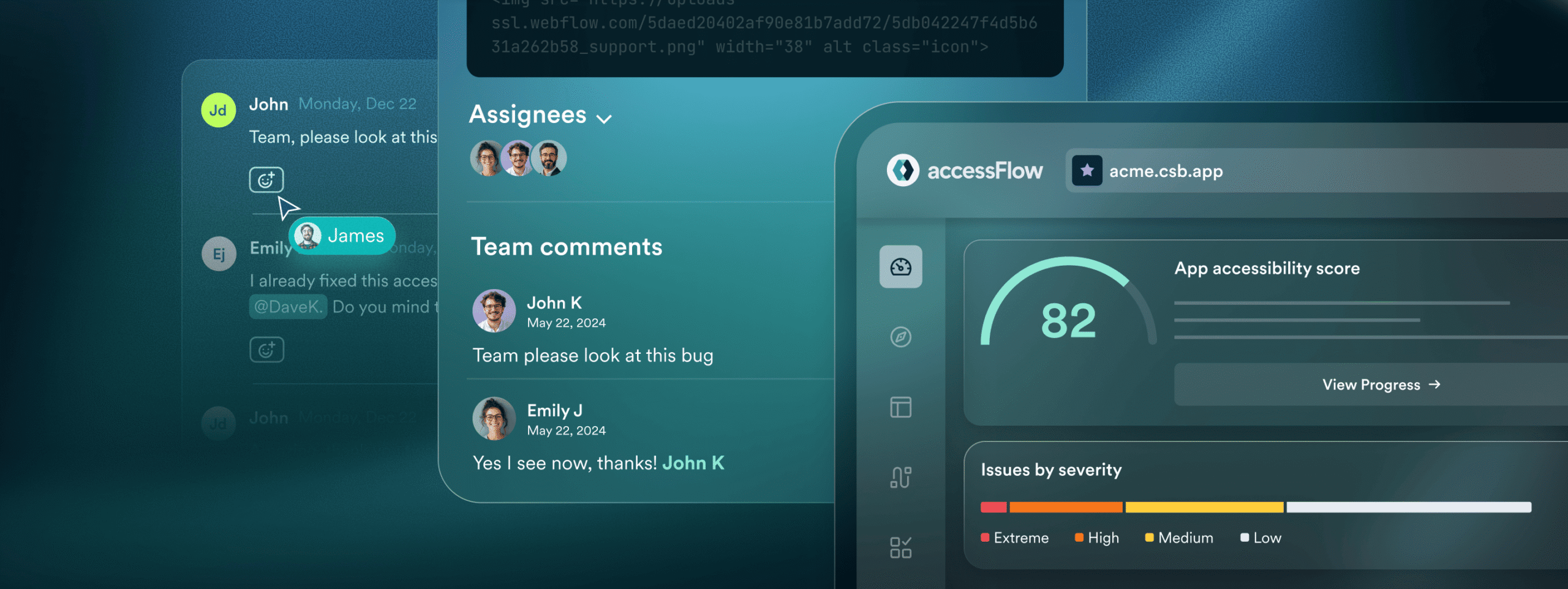
accessFlow’s dashboard groups findings by type and component, which makes this initial triage faster than working through a flat list.
3. Establish a baseline, then address the highest-severity findings first
WCAG Level A failures — the most fundamental barriers, like missing form labels or keyboard traps — should be resolved before tightening any thresholds. This is typically a decision project managers are best positioned to prioritize, since it means sequencing accessibility work against everything else already in the backlog.
accessFlow’s severity tagging maps directly to WCAG conformance levels, which makes that prioritization conversation more concrete.
4. Over time, configure the pipeline to fail builds on Level A and selected Level AA failures
As the team’s baseline improves and false positives get tuned out, blocking merges on the most serious issues becomes low-risk. Coverage can expand from there as the practice matures, moving accessibility from a reported concern to an enforced one.
accessFlow supports this progression directly — build-blocking rules can be configured per WCAG level and tightened incrementally as the team’s baseline improves.