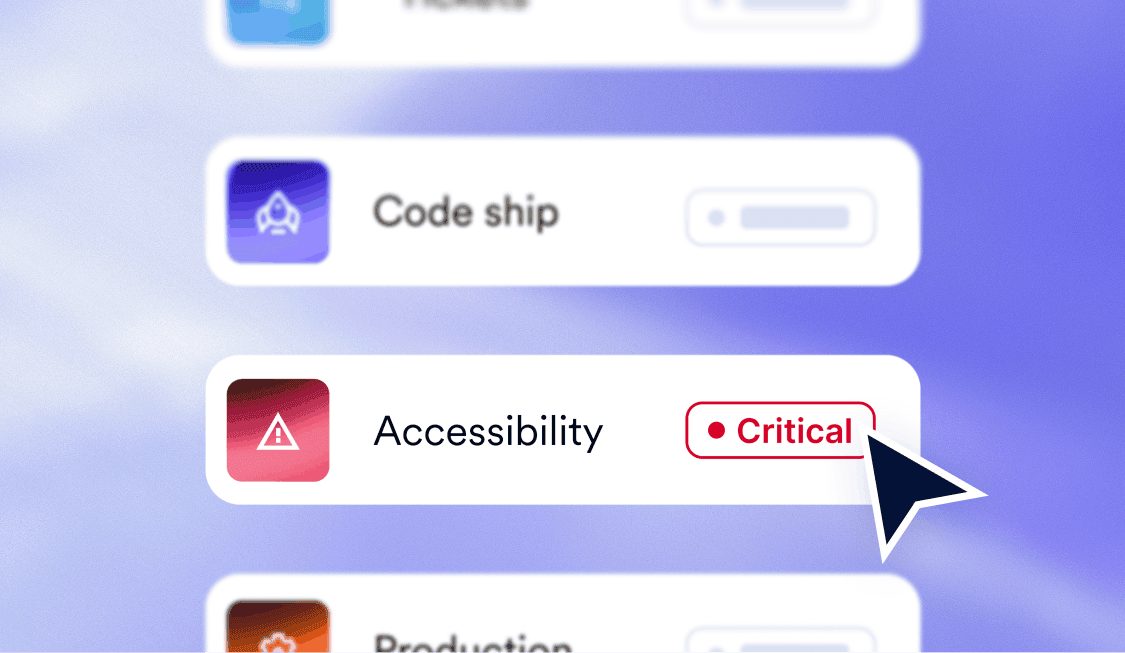
The ticket included a screenshot. A red rectangle around a button. Underneath: a rule ID and the word serious.
But no file. No line number. No branch.
The component had shipped five weeks earlier, and git blame was kind enough to tell me it was mine.
So I did what you’d do. Grepped for the button text. Found it in three places; two were dead. Opened the one that wasn’t, stared at it, couldn’t see anything wrong, and eventually worked out that the problem wasn’t the button.
It had never been a button in the first place.
Total time: about 40 minutes.
The fix took 90 seconds.
The 40 minutes are the interesting part. None of that work was difficult. It was retrieval.
When I originally wrote the component, everything needed to understand the issue existed in one place: the code, the intent, and the reason it had been written that way. Then we separated all of that, waited five weeks, and sent me a picture of it.
Nobody designed the six steps
An accessibility issue in a typical workflow might go like this:
A scanner finds something on the live site. The finding appears in another tool. Someone creates a ticket. The ticket gets routed and prioritized. A developer eventually opens it, switches to the repo, hunts down the code, and fixes it.
Most of that process exists because the issue and the code were separated in the first place.
The ticket exists because the finding surfaced somewhere the developer doesn’t work. Routing exists because the ticket doesn’t know who owns the code. The hunt exists because a rendered element doesn’t point back to a line in the repo.
So we asked a different question:
What if we didn’t create that separation?
So we put the reviewer in the pull request
That’s what accessFlow Code Agent does.
It runs when you open a pull request and again when you push changes. It reviews the diff against WCAG 2.2 and, when it finds an issue, comments inline where the issue appears, with a proposed change.
You can accept it, reject it, or discuss it in the thread. Nothing gets committed to your branch unless a person approves it.
You can also connect accessFlow to Jira Cloud when an issue does need to move into your existing workflow.
The goal isn’t another accessibility dashboard developers need to remember to check. It’s to put the information where the decision is already being made.
The first version was annoying
Our early internal version reported everything it found, at every severity, across every file.
Technically correct.
Completely unusable.
We ran it on our own repos, and within about a week we were doing exactly what you’d expect: skimming past the bot, collapsing the comments, and merging anyway.
That taught us something more important than “we need better filters.”
Developer trust matters more than reporting every possible issue.
A reviewer is only useful if developers believe its comments are worth stopping for. Once people learn that most of the output is noise, they stop reading all of it — including the things that matter.
So we started designing around signal instead of volume.
Severity thresholds let teams begin with critical issues rather than everything at once. Path exclusions keep legacy code, vendor files, and test fixtures from filling the PR with findings nobody intends to action. Manual mode lets teams invoke reviews when they want them. Optional merge gating is off by default because whether accessibility should block a merge is an organizational decision, not ours.
The principle is simple: start narrow enough that the reviewer earns attention.
Then widen it once it has earned trust.
The fix that resolves it vs. the fix that passes the check
Take the example from the beginning.
The original:
<div className=”btn” onClick={handleSubmit}>Submit</div>
It may look and behave like a button with a mouse. But a div doesn’t have native button semantics or keyboard behavior.
Here’s one possible “fix”:
<div
className=”btn”
role=”button”
aria-label=”Submit”
onClick={handleSubmit}>
Submit
</div>
Now it has a button role and an accessible name.
But it still isn’t keyboard operable. It isn’t naturally in the tab order, and it doesn’t automatically respond to Enter or Space.
You can make a rule go green without actually fixing the experience.
The better fix is:
<button type=”button” className=”btn” onClick={handleSubmit}>
Submit
</button>
And if you genuinely can’t use a native button because of a framework, wrapper, or library constraint, then you’re taking on the work the native element normally handles for you: tabIndex, keyboard events, focus behavior, and more.
Those are very different fixes.
One resolves the actual problem. One satisfies part of the requirement. One creates an ongoing maintenance obligation.
Knowing the difference requires context.
That’s why Code Agent uses around 130 rules informed by accessiBe’s scan, audit, and remediation data and is framework-aware, so its suggestions are designed for the code they sit next to rather than being generic snippets you have to translate yourself.
It’s also why a person approves every change.
Some decisions depend on what the component is actually meant to do. That intent lives with the people building the product, not inside an automated check.
For more detail, see how to resolve an issue.
Why the pull request specifically
At the pull request, three useful things still exist together:
The code.
The person who wrote it.
The decision about what happens next.
Further downstream, those things scatter. The code stays in the repo. The developer moves on. The issue becomes somebody else’s ticket.
Then you need process to put the pieces back together.
Reviewing accessibility in the pull request means there’s much less to reconstruct later.
What it won’t do
- It can’t see the full rendered experience. Source review can catch issues before code ships, but it doesn’t replace testing the product as users experience it. Live scanning and source review solve different parts of the problem.
- It doesn’t give you a compliance verdict. Code Agent reviews code against WCAG 2.2 criteria and reports what it finds. Conformance is a claim about the broader product and requires more than reviewing a diff.
- Today, it reviews new code. Code Agent works in the pull request. Remediation across code already sitting in the repo is coming soon.
The 90 seconds were never the problem
Code Agent is live in accessFlow on Professional tier and above.
You can also learn more about accessFlow and its latest features.
But the reason we built this isn’t really to make a 90-second fix faster.
It’s to avoid the 40 minutes before the fix: finding the right file, reconstructing the context, working out what somebody meant five weeks ago, and translating a screenshot back into code.
Accessibility issues are much easier to fix when the code, the context, and the developer are still in the same place.
That place is the pull request.