

TLDR — 5 key takeaways
- Public colleges and universities must ensure digital tools and services meet WCAG 2.1 Level AA
- These requirements extend to solutions provided by third-party vendors
- Vendors need rigorous accessibility audits and a VPAT—not simply a self-declaration
- Meeting the 2027 and 2028 deadlines will be critical to winning and retaining campus contracts.
- Failure to comply could lead to contract termination or disqualification from future bids
Before we go further: a practical RFP reality
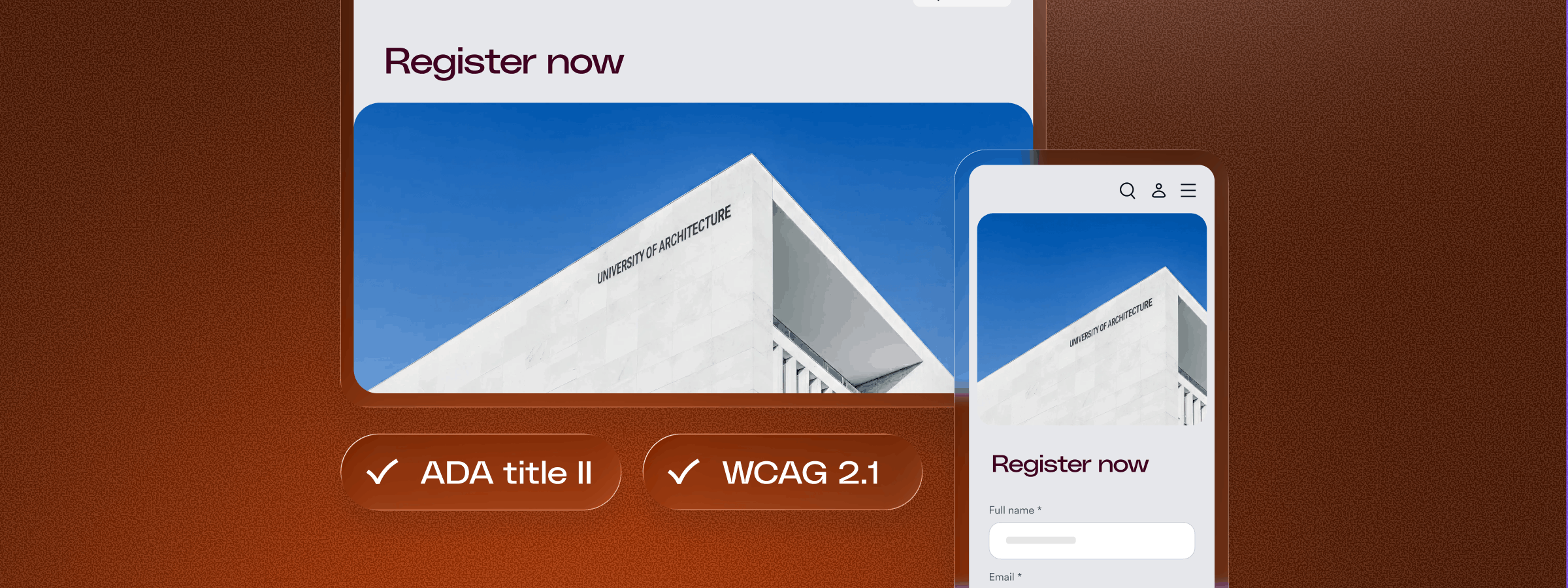
If you sell to public colleges, universities, or any organization that receives government funding, accessibility will surface in procurement as a required checkpoint — not a future roadmap item. You may win on features and pricing, but if you can’t demonstrate WCAG 2.1 Level AA conformance and provide a completed VPAT, deals can stall. Under ADA Title II, institutions must ensure that third-party tools meet accessibility standards — making accessibility a go/no-go factor in RFP review.
This isn’t theoretical. In our survey of public institutions, 62% said accessibility is consistently considered when selecting or renewing digital vendors, 45% rely directly on VPAT/ACR documentation during evaluation, and 38% conduct independent accessibility testing or validation. Accessibility is no longer assumed — it’s reviewed, documented, and increasingly verified before contracts move forward
-
62% said accessibility is considered during vendor selection
-
45% reply directly on VPAT/ ACR documentation during evaluation
-
38% conduct independent accessibility testing or validaiton
In this guide, we’ll break down the regulations shaping higher education procurement, what documentation institutions now expect, and how to ensure your product remains a viable — and trusted — choice in government-funded environments
Understanding the laws governing higher education accessibility
There are a number of laws that govern how institutions of higher learning manage their digital presence, and as a vendor, understanding this legal landscape is key to supporting your clients:
ADA Title II: Public colleges and universities
ADA Title II applies to all “public entities,” which includes state universities, community colleges, and technical schools.
In April 2024, the DOJ finalized a rule establishing the Web Content Accessibility Guidelines (WCAG) 2.1 Level AA as the technical standard. WCAG is the international benchmark for digital accessibility, and we will explore these specific requirements in greater detail later in this article.
For vendors, this means that any platform used for course registration, financial aid, or student housing must meet these specific criteria to help the institution remain in compliance.
Section 504: The federal funding bedrock
Section 504 of the Rehabilitation Act prohibits disability discrimination in any program or activity that receives federal financial assistance. Because almost all public universities receive federal funding, Section 504 is a constant requirement. While Title II focuses on the entity’s services, Section 504 emphasizes the right of students and employees to have an equal experience. If your software is part of a student’s “educational program,” it must be accessible by default.
Section 508: ICT and federal standards
Section 508 of the Rehabilitation Act requires that all Information and Communication Technology (ICT)—a broad term encompassing everything from your software platforms and mobile apps to the digital documents and PDFs your system generates—be accessible. While it primarily applies to federal agencies, many state university systems have adopted “mini-508” laws that require vendors to provide a VPAT during the procurement process to demonstrate how their software conforms to WCAG.
What you need to know about WCAG
Developed by the World Wide Web Consortium (W3C), the Web Content Accessibility Guidelines (WCAG) are the global technical standards for digital accessibility. Throughout the years, there have been a number of WCAG versions: 2.0, 2.1, and 2.2—the most current and up to date. Each version defines three levels of conformance to measure accessibility:
- Level A: The lowest level of conformance (essential accessibility).
- Level AA: The standard level referenced in most global accessibility regulations, including those for higher education.
- Level AAA: The optimal and most difficult level of conformance to achieve.
To comply with ADA Title II and Section 504, you will need to ensure your digital products adhere to WCAG 2.1 Level AA. Complying with Section 508 currently requires meeting WCAG 2.0 Level AA.
What WCAG Level AA adherence actually entails
While fully adhering to WCAG 2.0 and 2.1 Level AA requires meeting dozens of specific criteria, here are a few examples of what you will need to do for your digital product:
- Enable keyboard-only operation: Every button, menu, and form field must be usable without a mouse.
- Maintain color contrast: Text must have a sufficient contrast ratio against its background to remain readable for users with low vision.
- Support screen orientation: Your product must function in both portrait and landscape modes without losing data or functionality.
- Reflow and zoom: Users should be able to zoom in up to 200% without needing to scroll horizontally to read content.
- Use programmatic labeling: All form fields, icons, and buttons must have clear text labels in the code so assistive technology can accurately explain their purpose.
Where the responsibility lies: vendor vs. university
It is important to be clear about where the legal and professional stakes sit in this partnership.
While the university is the “public entity” that holds the direct legal liability under the ADA, they cannot fulfill their legal duties if your product creates a barrier. If a student cannot access an assignment due to a software flaw, the university faces the legal claim, but the vendor faces the immediate commercial fallout.
For vendors, the risk is a direct hit to the bottom line:
- Contract termination: Most modern higher ed contracts now include “termination for cause” clauses if a product fails to meet accessibility standards.
- Exclusion from RFPs: Procurement officers increasingly use accessibility as a primary filter. If you cannot provide an accurate VPAT, your bid may be disqualified before it’s even reviewed.
- Loss of market share: As 62% of institutions now consistently weigh accessibility in their selection process, being an “inaccessible” vendor means being an uncompetitive one.
Bottom line: While the university carries the legal risk, the vendor carries the performance risk.
If your product prevents a university from meeting its legal mandate, you are in breach of contract.
In a market where accessibility is a primary procurement filter, failing to deliver an accessible “engine” means risking existing revenue and future bid eligibility.
So, what is expected of you - the vendor?
Higher ed procurement is shifting from “reactive” (fixing it when a student requests an accommodation) to “accessible by default.” This shift is managed through three key phases:
Assess your level of accessibility
This begins with a comprehensive audit of your product against WCAG 2.1 Level AA. This requires manual testing with assistive technologies like screen readers (NVDA, JAWS) and keyboard-only navigation. For vendors, this audit identifies “learning blockers” that could prevent a student from completing a course or submitting an assignment. To gain further insight, many vendors also incorporate user testing with members of the disability community.
Fill in a VPAT
The Voluntary Product Accessibility Template (VPAT) is a standardized blank form used to document a product’s accessibility. It is the industry-standard template that procurement officers use to compare the accessibility of different software options. Once you fill out the VPAT with your audit findings, it becomes an Accessibility Conformance Report (ACR). Higher ed procurement officers now strictly require a finished ACR; they no longer accept vague promises, but need a document that honestly states where you conform and where you have gaps.
Take action to bridge gaps
Once your current state is documented, you must remediate identified issues. This involves prioritizing fixes for high-risk blockers and establishing a clear roadmap for long-term conformance. Many vendors consider end-to-end accessibility platforms to streamline this process, ensuring that new updates are “born accessible” and that high-volume tasks are handled in real-time.
Whether your client is a state university under ADA Title II or a federally funded program under Section 504, WCAG 2.1 Level AA serves as the unified technical standard used to measure your product’s compliance.
Most vendors don’t lose government deals because they ignore accessibility — they lose them because they weren’t prepared to prove it. When procurement asks for a completed VPAT, documented WCAG 2.1 Level AA conformance, or a clear remediation roadmap, you don’t want to start scrambling. It’s far easier to audit early, prepare documentation in advance, and establish internal ownership before a contract is on the line. Accessibility shouldn’t be the reason your strongest deal stalls at the finish line — it should be the reason procurement says, “Everything checks out.”
How accessiBe can help
accessiBe is an end-to-end accessibility platform combining the best in AI automation, human expertise, and developer tools to help you support your clients’ readiness for the 2026 and 2027 deadlines:
- accessServices: Our professional services team performs the expert manual audits and user testing that automation alone cannot. We assist you by filling in the VPAT so that your product has a completed ACR to provide to university procurement officers. This provides the third-party validation that builds trust with your clients.
- accessWidget: For real-time, scalable inclusivity, accessWidget handles UI and design-related elements. It provides immediate keyboard and screen reader compatibility for student portals and public-facing sites.
- accessFlow: This developer-focused platform provides your technical teams with a single source of truth for auditing and resolving code-based issues. It identifies WCAG 2.1 gaps in your source code so you can fix them before the procurement process begins.
Want to learn more about preparing your product for the higher ed market? Press here to book a one-on-one demo with an accessibility expert.
Frequently asked questions
What are the key deadlines for higher education ADA Title II compliance?
The timeline for compliance is determined by the size of the public institution. Large public universities (serving 50,000+ residents) must ensure their digital content and third-party tools conform to WCAG 2.1 Level AA by April 26, 2027. Smaller institutions and community college districts have until April 26, 2028. Vendors should aim for readiness ahead of these dates to ensure their contracts remain secure.
What is a VPAT and why is it required by universities?
A Voluntary Product Accessibility Template (VPAT) is the industry-standard form used to document a product’s accessibility. Once completed, it becomes an Accessibility Conformance Report (ACR). Because 45% of institutions rely directly on these reports during evaluation, a finished ACR is essential for vendors to prove their product won’t create barriers for students or staff.
Does the university or the vendor hold the legal liability for accessibility?
While the university is the “public entity” that holds the direct legal liability under the ADA, the vendor carries the performance risk. If your software prevents a student from accessing an assignment or registering for classes, the university faces the legal claim, but the vendor faces the commercial fallout—including potential contract termination for cause.
How does Section 504 of the Rehabilitation Act impact vendors?
Section 504 prohibits disability discrimination in any program receiving federal financial assistance, which includes almost all public universities. For vendors, this means if your digital service is part of an institution’s “educational program,” it must be accessible by default. This makes WCAG 2.1 Level AA a mandatory benchmark for any vendor seeking to stay in the higher ed market.
Can I rely on automated tools alone to fill out my VPAT?
No. An accurate and trustworthy VPAT requires a comprehensive audit that includes manual testing with assistive technologies like screen readers (NVDA, JAWS) and keyboard-only navigation. accessiBe provides accessServices to conduct these expert-led audits, helping you provide the third-party validation that higher ed procurement officers now strictly require.
How does accessiBe help vendors support university compliance?
accessiBe is an end-to-end accessibility platform combining the best in AI automation, human expertise, and developer tools. We help vendors identify and fix code-level gaps through accessFlow, handle UI and design-related elements via accessWidget, and provide professional VPAT auditing through accessServices to ensure your product is “born accessible.”
