What is Section 504 of the Rehabilitation Act?
Section 504 of the Rehabilitation Act of 1973 is a landmark civil rights provision that prohibits discrimination against individuals with disabilities in any program or activity receiving federal financial assistance. As one of the first federal laws to offer protection for people with disabilities, it serves as a foundational piece of accessibility legislation.
The primary goal of Section 504 is to ensure that individuals with disabilities have an equal opportunity to participate in and benefit from federally funded programs.
This means that entities receiving federal funds must provide equitable access to their services, facilities, and communications—which, in today’s world, includes their digital presence.
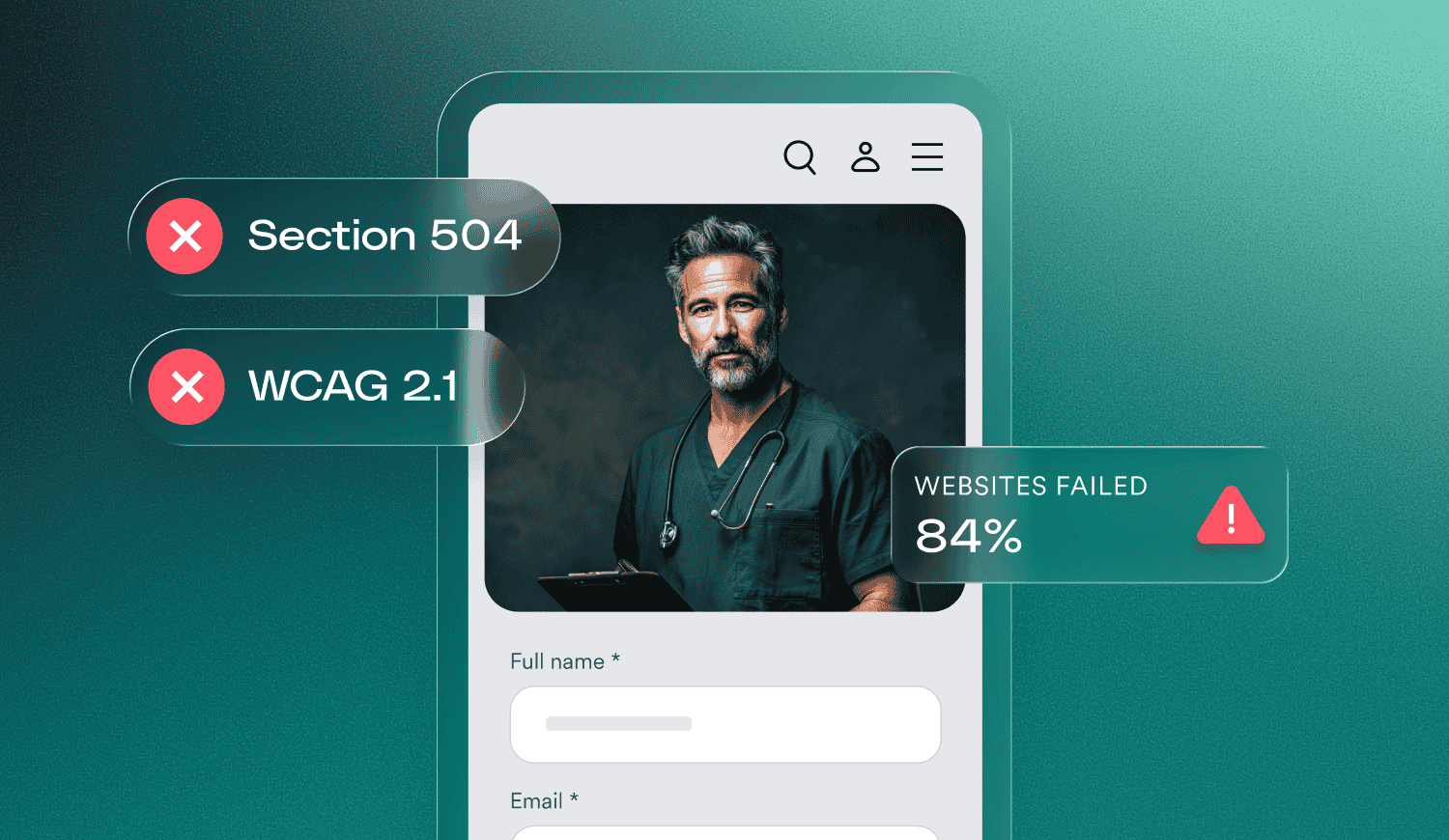
Under the updated Section 504 rule, covered entities must ensure their web content and mobile apps conform to WCAG 2.1 Level AA by May 11, 2026, or May 10, 2027, depending on the size of the organization.
We will explain these specific dates and requirements in further detail later in the article. Press here to skip straight to that section.
Who needs to comply with Section 504?
Section 504 applies to a wide range of organizations and agencies that receive federal financial assistance from any U.S. federal department or agency. This includes, but is not limited to:
- Public schools and school districts: Ensuring students with disabilities have equal access to educational opportunities.
- Colleges and universities: Including both public and private institutions that receive federal grants or financial aid.
- Healthcare providers: Such as hospitals, clinics, and nursing homes that receive Medicaid or Medicare funding.
- Local and state government agencies: Programs related to housing, transportation, and social services that receive federal subsidies.
- Nonprofit organizations (NPOs): Any NPO that receives federal grants to support its community programs.
Section 504 vs. Section 508 vs. the ADA: What’s the difference?
While Section 504, Section 508, and the Americans with Disabilities Act (ADA) all share the goal of fostering inclusion, they differ in their scope and the entities they regulate:
- Section 504: Focuses on any entity receiving federal financial assistance. It ensures that programs funded by the public are accessible to the public.
- Section 508: Applies specifically to federal agencies and service providers to such bodies. It requires that the Information and Communication Technology (ICT) developed, procured, maintained, or used by the federal government is accessible to both federal employees and the public.
- The ADA: A broad civil rights law that applies to state and local governments (Title II) and private businesses (Title III), regardless of whether they receive federal funding.
Despite their different legal applications, these laws converge when it comes to the technical requirements for websites. To satisfy the mandate of providing equal access, all three rely on a single, globally recognized framework: the Web Content Accessibility Guidelines (WCAG).
We will explain this in further detail later in the article. Press here to skip straight to that section.
Do you need to comply with both ADA Title II and Section 504?
For many organizations, the answer is yes.
If you are a public entity—such as a state university, a local school district, or a municipal healthcare provider—that also receives federal financial assistance, you are likely subject to both ADA Title II and Section 504.
While both laws prohibit discrimination based on disability, they originate from different legislative roots. ADA Title II applies to all programs, services, and activities of state and local governments, regardless of funding. Section 504 specifically attaches to the receipt of federal dollars.
In practice, because both laws now largely point toward WCAG conformance as the technical standard for digital accessibility, your efforts to make your website accessible will generally satisfy the requirements of both simultaneously.
Section 504 and web accessibility
In the modern landscape, “programs and activities” almost always include a digital component.
For entities covered by Section 504, providing equal access means ensuring that websites, mobile apps, and online portals are free of barriers for people with disabilities.
If a student cannot access an online course portal, or a patient cannot navigate a healthcare provider’s website to book an appointment, the entity may be in violation of Section 504.
The relationship between Section 504 and WCAG
Section 504 establishes the legal requirement for non-discrimination, but it does not explicitly detail the technical specifications for a website. To meet these legal requirements, organizations and government bodies rely on the Web Content Accessibility Guidelines (WCAG).
Created by the W3C, WCAG is the gold standard for digital accessibility. It is a set of technical success criteria that ensures web content is perceivable, operable, understandable, and robust.
While your organization must comply with Section 504, it does so by ensuring its digital assets conform to WCAG.
Key action items for Section 504 website compliance
Building a website that adheres to Section 504 involves addressing various elements of design and functionality.
Here are several key areas to focus on:
- Screen reader compatibility: Ensure that all visual elements, including images and navigation menus, are coded so that screen readers can accurately relay information to users who are blind or have low vision.
- Keyboard-only navigation: Many users with mobility disabilities rely on keyboards or assistive switches rather than a mouse. Your site must be fully navigable via keyboard.
- Accessible online documents: Any PDFs, Word docs, or slide decks hosted on your site must be properly tagged and structured to be readable by assistive technology.
- Alt text for meaningful images: Provide descriptive alternative text for images so that the context of the visual content is available to everyone.
- Captions and transcripts: Ensure that all video and audio content includes accurate captions or text-based transcripts for users who are d/Deaf or hard of hearing.
Important note: This is a very partial list. For more information on this topic, press here.
By when do you need to comply with Section 504?
While Section 504 has long prohibited discrimination, the U.S. Department of Health and Human Services (HHS) recently finalized a rule that establishes specific technical standards and clear timelines for digital accessibility.
This update ensures that “programs and activities”—including websites, mobile apps, and kiosks—are not just conceptually accessible, but technically conformant to a measurable standard.
To support these efforts, the rule sets phased deadlines for covered entities to reach conformance with WCAG 2.1 Level AA. Deadlines are based on a public entity’s total population, not employee count:
- Large entities (population of 50,000 or more): These entities must ensure their web content and mobile applications comply with the standards by April 26, 2027.
- Small entities (population under 50,000) and special district governments: These entities have an additional year to reach conformance, with a deadline of April 26, 2028.
The consequences of not complying with Section 504
Failure to provide equal digital access is more than just a technical oversight; it can have significant legal and operational repercussions. Common risks include:
- Department of Education (OCR) Complaints: Public and private schools frequently face investigations by the Office for Civil Rights (OCR) if their digital platforms are found to be inaccessible.
- Demand letters and litigation: Individuals or advocacy groups may file lawsuits or send demand letters citing a lack of equal access to services.
- Loss of federal funding: Because Section 504 is tied to federal financial assistance, a persistent and unaddressed failure to comply can theoretically put that funding at risk.
How to test your website for Section 504 compliance
A proactive approach to accessibility is always better than a reactive one. To understand your current level of conformance, you should utilize a combination of testing methods to ensure no stone is left unturned.
Automated auditing tools like accessScan identify high-level gaps in WCAG conformance within seconds, providing a detailed report that helps you begin addressing technical errors right away.
However, for an in-depth understanding, expert manual testing is essential to achieve a truly inclusive experience.
accessServices specialists can perform a thorough manual examination of your site to find complex issues that automated tools miss — such as logical reading order, form functionality, and complex interactive components.
A critical component of this manual process is user testing, where individuals with disabilities interact with your site in real-time. This provides invaluable, qualitative insight into the actual functionality and usability of your digital presence for the people Section 504 is designed to protect.
How accessiBe can help you comply with Section 504
Meeting the requirements of Section 504—especially when considering the 2026/2027 deadlines for public entities—requires more than just a quick fix; it requires a sustainable strategy that scales with your organization’s digital growth.
accessiBe provides an end-to-end platform combining the best in AI automation, developer tools, and human expertise to help you achieve and maintain compliance without disrupting your existing workflows:
- AI Automation: accessWidget provides an immediate layer of accessibility, handling high-volume tasks like keyboard navigation adjustments and screen reader compatibility across your entire site in real-time. This helps to ensure that your digital presence is inclusive and welcoming to all visitors as soon as they land on your page.
- Developer Tools: accessFlow, a comprehensive accessibility management platform, allows you to build accessibility directly into the source code. This helps you ensure that new portals, apps, and updates are born accessible, preventing future “dead ends” before they ever go live.
- Human Expertise: Some complex assets — like PDF forms, historical archives, and high-stakes user journeys — require a human touch. accessServices provides manual audits, professional document remediation, VPAT/ACR documentation for procurement and legal defensibility, and the Litigation Support Package for when an accessibility claim arrives.
By integrating these three pillars, your organization can stop reacting to accessibility issues and start managing them with confidence.