Digital accessibility is becoming more essential—and more complex—as websites evolve. What once involved a handful of static pages has transformed into dynamic environments filled with interactive components, embedded media, and constantly changing content. As websites grow in size, traffic, and functionality, they also tend to draw greater attention from users, advocacy groups, and regulators.
With that increased visibility comes a higher expectation that digital experiences align with the Web Content Accessibility Guidelines (WCAG) and support accessibility requirements under laws like the Americans with Disabilities Act (ADA) and the European Accessibility Act (EAA).
Many mid-market and enterprise organizations begin their accessibility efforts with automated tools, which can surface common issues quickly and help teams understand where barriers may exist. But as digital experiences become more complex, different parts of accessibility start to require different strengths—some well suited to automation, others dependent on developer remediation or expert evaluation.
This is where a hybrid model becomes a powerful option, helping organizations address accessibility more effectively and sustainably as their needs evolve.
Understanding the accessibility compliance landscape
Digital accessibility laws differ across regions, but they share a common expectation: websites, applications, and digital content must be accessible to people with disabilities. In the United States, the Americans with Disabilities Act (ADA) is widely interpreted to apply to digital experiences, and public-sector organizations must also adhere to Section 508 of the Rehabilitation Act. Across the European Union, the European Accessibility Act (EAA) establishes similar expectations for many digital products and services.
Complying with these laws entails making sure your digital experiences align with the Web Content Accessibility Guidelines (WCAG), the widely accepted framework for defining and measuring accessibility.
What does adhering to WCAG entail?
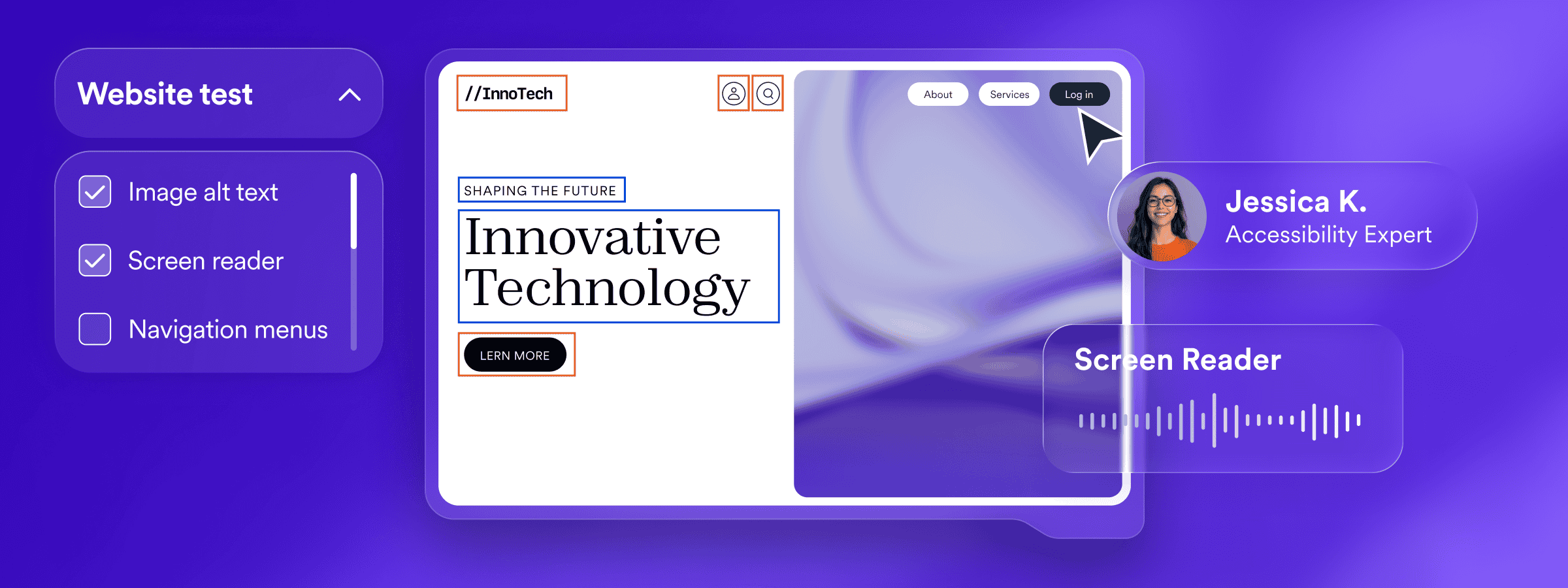
WCAG is the globally recognized framework for creating perceivable, operable, understandable, and robust digital experiences. It outlines clear success criteria that help organizations understand how people with different disabilities—visual, auditory, motor, and cognitive—can navigate and use a website independently.
WCAG spans a wide range of requirements, including:
- Text alternatives: meaningful alt text for images and non-text content
- Color and contrast: sufficient contrast between text and background
- Structure and semantics: headings, lists, and landmarks that reflect a logical reading and navigation order
- Keyboard accessibility: ensuring all functionality is available without a mouse
- Predictability: consistent navigation elements and interface behavior
- Input assistance: clear labels, instructions, and error messages
- Assistive technology compatibility: ensuring screen readers and other tools interpret content accurately
- Accessible documents and media: tagged PDFs, captions, transcripts, and audio descriptions
Why larger and more visible websites face higher expectations
As research and industry trends show, the larger and more visible a website becomes, the more closely its accessibility tends to be scrutinized. High-traffic sites reach broader audiences, which increases the likelihood that barriers will be noticed and reported.
This pattern is especially evident in eCommerce, where many accessibility lawsuits focus on online stores with strong brand visibility. Because these digital experiences are essential to everyday life, there is a heightened expectation that they align more comprehensively with WCAG.
Larger organizations also manage more complex sites with dynamic components, third-party integrations, and constant updates. These factors create more opportunities for accessibility issues and make WCAG alignment a broader, more ongoing effort—one that often benefits from a hybrid approach that blends automation, developer tools, and expert review.
Get to know the hybrid accessibility approach
As digital experiences grow more dynamic, organizations often find that different parts of accessibility require different strengths. Automation supports speed and visibility, developers handle code-level remediation, and experts provide the interpretation and real-world insight that automation cannot replicate.
Automated tools
AI-powered automation plays an important role in modern accessibility, particularly for organizations managing websites that update frequently or include large volumes of content. It provides speed, consistency, and ongoing visibility—helping organizations understand where accessibility barriers may exist and how their digital experiences change over time.
AI helps detect many critical accessibility issues quickly and consistently across large sets of pages.
It can identify patterns such as missing alternative text, low contrast, and structural irregularities, and apply session-based adjustments that support many WCAG considerations. These adjustments help resolve certain barriers during a user session, allowing organizations to make meaningful progress toward WCAG adherence while deeper, code-level fixes are addressed through development or expert involvement.
AI-powered automation offers organizations a powerful starting point: it scales quickly, adapts to change, and provides meaningful support for many WCAG considerations. These strengths make it an invaluable part of modern accessibility work. At the same time, automation cannot address every requirement—especially those that depend on context, usability, or code-level structure.
Expert services
While automation can surface issues quickly and improve the experience during a browsing session, many aspects of accessibility require human judgment, interpretation, and hands-on evaluation. Expert services fill these gaps by reviewing how digital experiences behave in real-world conditions and identifying issues that automation alone cannot reliably assess.
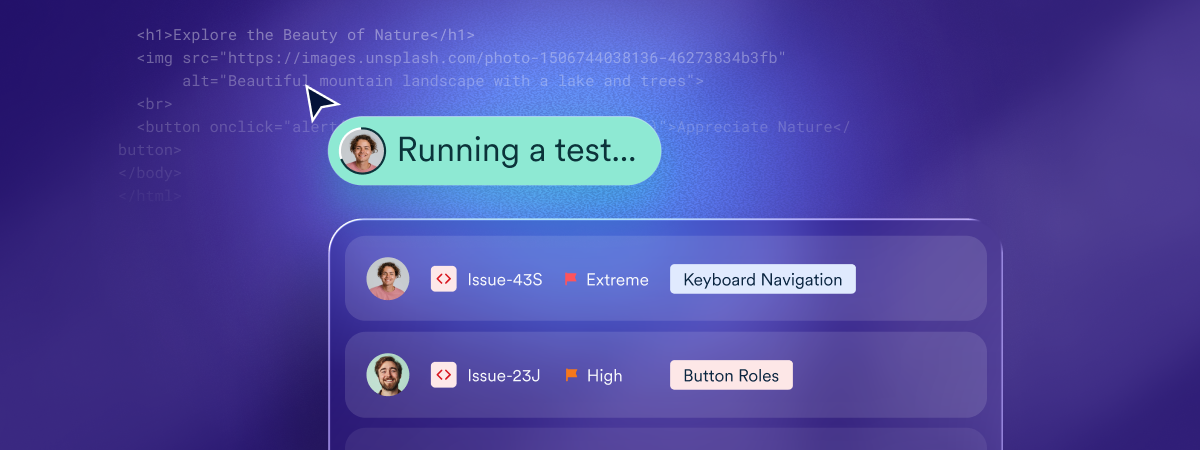
Expert evaluations include areas such as comprehensive WCAG audits, manual testing with assistive technologies, user testing conducted by people with disabilities, and accessibility documentation like VPATs.
These processes focus on context—whether instructions are clear, whether interactions behave predictably, and whether the intended meaning carries through across different devices and assistive tools.
Expert involvement also strengthens automated solutions.
By reviewing how automated adjustments perform across different pages, user flows, and assistive technology combinations, experts can identify where those adjustments are effective, where additional interpretation is needed, and where targeted refinements can enhance usability. This complementary layer ensures automation is not working in isolation, but is supported by human insight that helps organizations achieve more accurate and reliable accessibility outcomes.
Developer tools
Automation and expert evaluation are essential parts of accessibility work, but long-term accessibility depends on what happens within the codebase. Developer tools help organizations create durable, WCAG-aligned experiences by making accessibility a natural part of the development and maintenance process—not something added afterward.
Developer tooling supports two major needs:
- First, it helps organizations build accessible components and patterns from the ground up.
By integrating accessibility checks directly into the development workflow, developers can identify issues early, understand their root causes, and implement fixes before code is released. This approach incorporates accessibility into the architecture itself, strengthening areas such as semantic structure, focus management, keyboard operability, and assistive-technology compatibility - Second, developer tools help organizations improve and maintain existing websites. When accessibility guidance is available directly in the developer’s environment, issues can be understood in context, tied to specific code snippets, and resolved as part of regular maintenance cycles. This enables organizations to remediate barriers iteratively and prevent regressions as new features, templates, and components are introduced.
How accessiBe supports a hybrid accessibility approach

Understanding the demands of modern, fast-evolving digital environments, accessiBe’s solutions are tailored to help organizations benefit from a hybrid approach—combining automation, expert insight, and developer tools to address different parts of WCAG effectively and sustainably:
accessWidget provides the automation layer. Its AI-powered capabilities help detect many accessibility issues quickly and support key WCAG considerations through session-based adjustments that improve how content is interpreted by assistive technologies.
For organizations that want additional validation and refinement, Manual Testing & Custom Remediation (MTCR) adds a human-expert review on top of these automated adjustments.
Specialists examine how accessWidget behaves across key pages and user flows, identify where automation is effective, and apply or recommend refinements where human interpretation is needed. This combination strengthens the overall impact of automation and helps ensure the experience works more reliably for users of assistive technologies.
accessServices adds the broader human expertise required for areas that automation cannot reliably interpret.
This includes comprehensive WCAG audits, manual testing with assistive technologies, user testing conducted by people with disabilities, accessibility documentation such as VPATs, and remediation for documents and media. These expert evaluations provide the depth and context needed to address more nuanced barriers and improve real-world usability.
accessFlow provides the developer tooling required for durable, code-level accessibility.
With guided auditing, monitoring, workflow support, and an SDK for building accessible components, accessFlow helps organizations embed accessibility directly into their development processes. Its MCP brings accessibility insights into the developer’s own environment, helping teams remediate issues in context and maintain accessibility as their sites evolve.
Hybrid accessibility — the new path toward optimal accessibility
For mid-market and enterprise organizations, digital experiences grow quickly in size, complexity, and visibility. With that scale comes a greater expectation that websites align with WCAG and support accessibility requirements under laws like the ADA and the EAA. A hybrid approach offers the most dependable path forward—using automation for scale, expert evaluation for nuance, and developer tools for durable, code-level improvements.
accessiBe supports this model with solutions designed for organizations whose needs evolve rapidly. And when accessibility claims arise, accessiBe provides dedicated litigation support—including documentation, guidance, and expert review—to help organizations demonstrate the accessibility work they are doing.
Frequently asked questions about hybrid accessibility approaches
Q1. What is a hybrid accessibility approach?
A1. A hybrid accessibility approach combines automated tools, developer-led code remediation, and expert evaluation. Each element addresses different accessibility needs, helping organizations manage complexity more effectively.
Q2. Why isn’t automation alone enough for accessibility?
A2. Automation is effective for detecting many common issues at scale, but it cannot fully assess context, usability, or complex interactions. Some WCAG requirements depend on human judgment and code-level decisions that automation cannot reliably interpret.
Q3. How do developers contribute to long-term accessibility?
A3. Developers create durable accessibility by addressing issues directly in the codebase. This includes building accessible components, maintaining semantic structure, ensuring keyboard operability, and preventing regressions as websites evolve.
Q4. What role do accessibility experts play in a hybrid model?
A4. Experts provide manual testing, assistive technology evaluation, and real-world user insight. Their work helps identify nuanced barriers, validate automated behavior, and assess whether experiences function as intended for people with disabilities.
Q5. Why do larger or high-traffic websites benefit more from a hybrid approach?
A5. Larger sites tend to have more dynamic content, third-party integrations, and frequent updates. A hybrid approach helps manage this complexity by combining scale, precision, and durability across different accessibility needs.
Q6. How does WCAG fit into a hybrid accessibility strategy?
A6. WCAG provides the technical framework organizations aim to adhere to. A hybrid strategy supports WCAG alignment by using automation for broad coverage, developers for structural fixes, and experts for interpretation and validation.
Q7. How does accessiBe support a hybrid accessibility approach?
A7. accessiBe supports hybrid accessibility through accessWidget for automation, accessServices for expert evaluation, and accessFlow for developer tooling. Together, these solutions help organizations address different accessibility requirements in a coordinated way.
Q8. What makes hybrid accessibility more sustainable over time?
A8. Hybrid accessibility integrates accessibility into ongoing workflows rather than treating it as a one-time effort. By combining automation, expert insight, and development practices, organizations can adapt as their digital experiences change and grow.