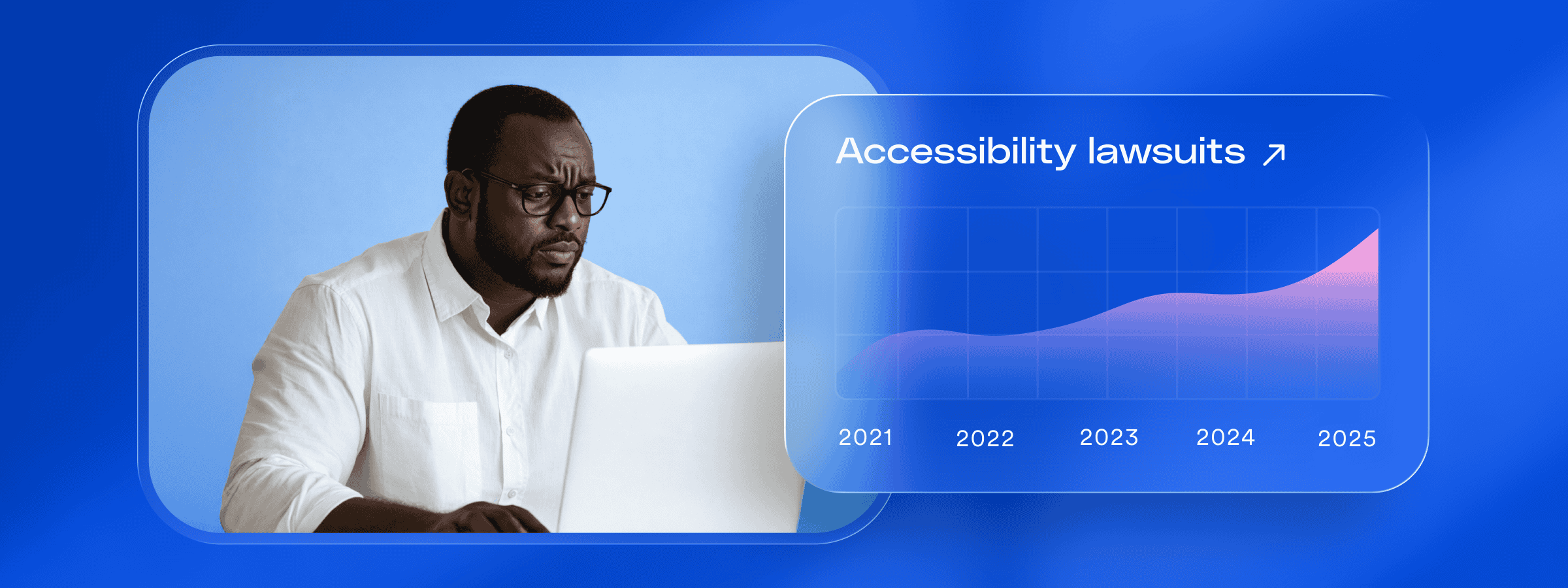
Enterprise and mid-market organizations operate across complex digital ecosystems—websites, applications, portals, documents, and multi-step workflows that evolve quickly and serve large audiences. As these environments grow in scale and complexity, so does the responsibility to ensure that every user can navigate and interact with them independently. Laws such as the Americans with Disabilities Act (ADA) and the European Accessibility Act (EAA) reinforce this expectation, making accessibility not only a usability priority but also a core compliance requirement for many organizations.
As digital experiences expand, organizations increasingly recognize the value of understanding how real users interact with them.
User testing with assistive technologies—such as screen readers, magnifiers, switch devices, and inspecting for keyboard-only navigation—provides insight that helps reveal barriers, validate key workflows, and ensure that accessibility efforts align with how people actually use these systems.
Understanding the accessibility demands and challenges of enterprise digital experiences
Enterprise organizations manage digital ecosystems that are significantly broader and more complex than those of smaller businesses. These ecosystems often include websites, applications, portals, internal tools, and documents produced across many teams. As these environments expand, so does the responsibility to ensure that every user can navigate and interact with them independently—an expectation reinforced by laws such as the Americans with Disabilities Act (ADA) and the European Accessibility Act (EAA).
What accessibility requires at a technical and experiential level
To guide their accessibility and compliance efforts under laws like the ADA and the EAA, organizations look to the Web Content Accessibility Guidelines (WCAG). WCAG is the widely accepted framework for creating digital experiences that people with disabilities can perceive, navigate, and use independently. It outlines success criteria that address both the technical requirements of accessible development and the real-world experience of users who rely on assistive technologies.
WCAG includes numerous guidelines and criteria. Here are some of the more prominent ones:
- Text alternatives: meaningful alt text for images and non-text content
- Color and contrast: sufficient contrast between text and background
- Structure and semantics: clear, logical HTML structure and predictable navigation
- Keyboard accessibility: ensuring all functionality works without a mouse
- Input assistance: clear labels, instructions, and helpful error messages
- Assistive technology compatibility: reliable interpretation by screen readers and related tools
- Accessible documents and media: tagged PDFs, captions, transcripts, and audio descriptions
Enterprise digital experiences are inherently complex, with layered workflows, custom-built components, and multiple systems working together. Many accessibility gaps within these environments are subtle or situational, making them difficult to detect through automated or high-level reviews alone.
Identifying the full scope of issues requires more comprehensive auditing that examines how each part of the experience behaves during real user interaction.
The value of testing with assistive technologies
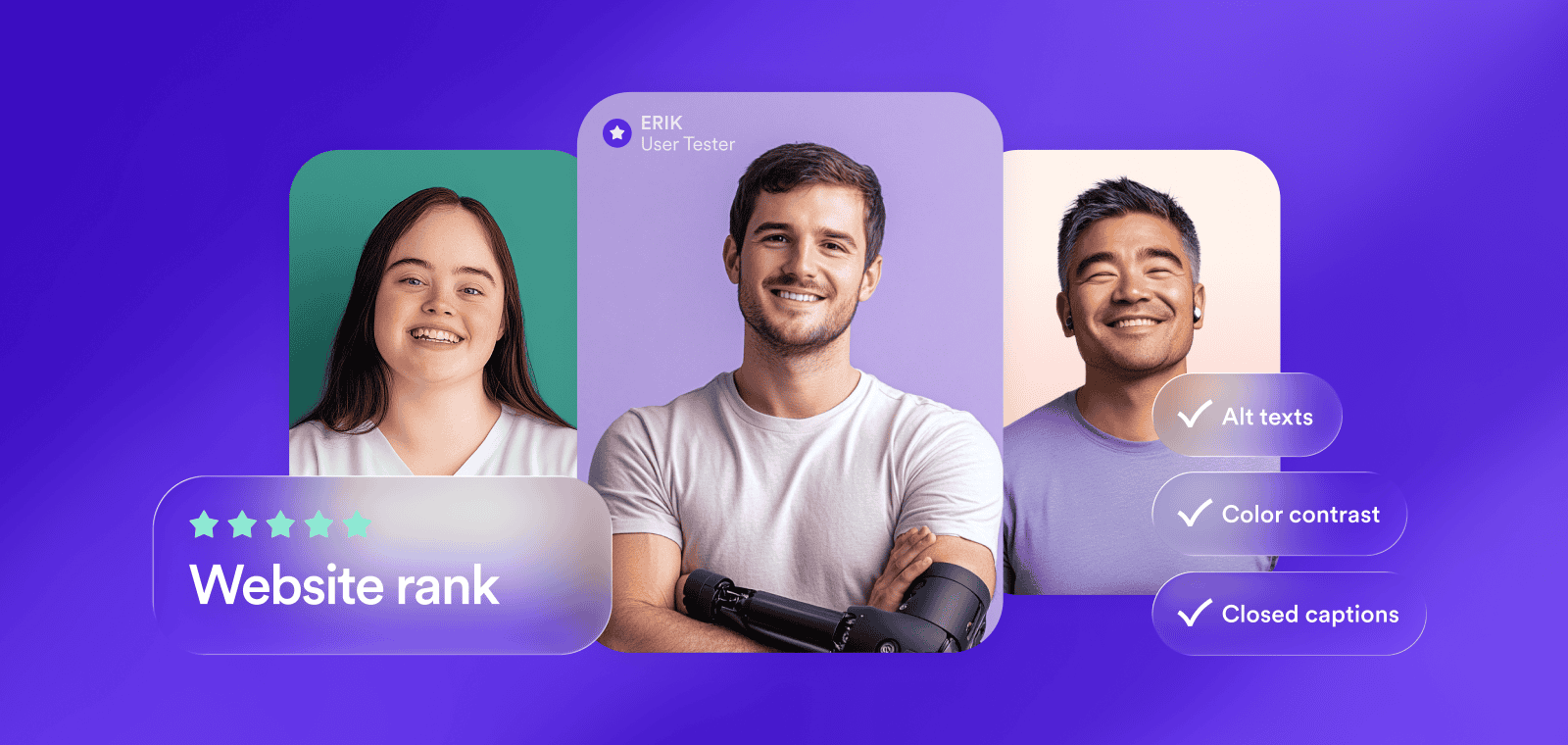
To understand how well a digital experience actually supports users with disabilities, organizations need to see how it behaves when assistive technologies are in use.
Assistive technologies (AT) are tools that help people with disabilities navigate and interact with digital content. They interpret, transform, or supplement what appears on screen so users can access information in a way that matches their needs, abilities, or preferences.
Common assistive technologies include:
- Screen readers, which convert on-screen text and structure into synthesized speech or Braille output
- Screen magnifiers, which enlarge content and enhance contrast
- Voice input tools, which allow users to operate interfaces and input text through speech
- Switch devices, which enable navigation and interaction using a single switch or alternative input
These tools often interact with digital products differently than sighted mouse-and-keyboard users. They follow the underlying structure of a page, rely on semantic HTML, announce labels and instructions verbatim, and navigate through interactive components one step at a time. As a result, they surface issues that automated tools and sighted testers may not detect—for example:
- Missing or unclear labels
- Incorrect reading order
- Confusing or repetitive announcements
- Focus getting trapped or lost
- Inaccessible custom components
- Interaction patterns that behave unpredictably
These real-world interactions provide a clearer picture of how well a digital platform actually aligns with WCAG expectations—insight that is especially important for enterprise organizations, which are often held to closer scrutiny under accessibility laws and are expected to support these guidelines more comprehensively.
What user testing with assistive technology looks like
User testing with assistive technologies focuses on observing how people with disabilities move through real workflows using the tools they rely on every day. This type of testing highlights whether key tasks—such as logging in, completing a form, or navigating a dashboard—can be completed independently and without confusion.
One of the most common approaches involves testing with blind users who navigate with screen readers.
Instead of relying on visual cues, they move through content by listening to how the interface is announced. This reveals issues such as unclear or missing labels, confusing reading order, inaccessible custom components, or places where focus becomes lost—barriers that may not surface during automated reviews.
Testing is also conducted with users who have motor impairments and rely on keyboard-only navigation or alternative input devices.
These sessions help uncover interaction-level barriers, including components that cannot be reached without a mouse, focus indicators that are difficult to track, or workflows that require precise pointer movements. For enterprise environments with complex, multi-step interactions, these insights provide an essential layer of understanding that cannot be replicated through automation alone.
How accessiBe helps enterprises with assistive-technology user testing
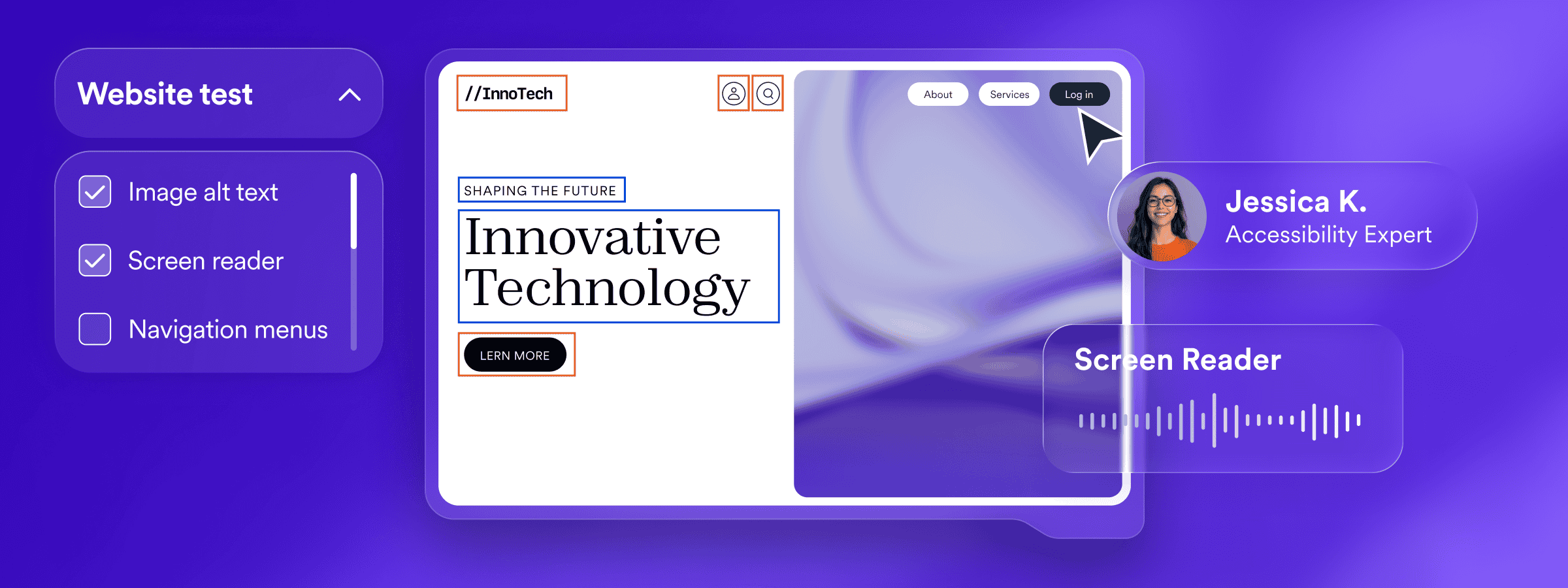
accessiBe provides user testing services led by experienced accessibility professionals and usability analysts with disabilities. These evaluations examine how real users navigate critical workflows—such as logging in, searching, completing forms, or performing transactions—using assistive technologies like screen readers, magnifiers, switch devices, and keyboard-only navigation. This process reveals barriers related to clarity, structure, focus management, and interaction patterns that automated tools alone may not fully capture.
Testers replicate authentic user scenarios across websites, applications, and internal systems, identifying issues that affect usability and that may influence an organization’s accessibility and compliance posture. The resulting insights give enterprises clear, actionable guidance on where improvements are needed and which adjustments can meaningfully enhance the experience for users who rely on assistive technologies.
Get more out of automation by testing with assistive technology
Every website is unique. Even when organizations share similar technology stacks, differences in content, layouts, user flows, and business priorities mean accessibility challenges don’t surface in the same places—or with the same impact. In many cases, the most meaningful barriers appear within high-leverage areas of a site, such as navigation, forms, checkout flows, account dashboards, or other critical user journeys.
Manual Testing & Custom Remediation (MTCR) addresses this reality by adding focused, human-expert evaluation to these high-impact areas. Through hands-on testing with assistive technologies, accessibility specialists assess how key workflows behave in real-world conditions and apply or recommend targeted enhancements to accessWidget where additional refinement is needed. This approach ensures that automated, session-based remediations are optimized for the most important interactions, delivering a more consistent and reliable experience for people who rely on assistive technologies.
Ensuring dependable accessibility across complex enterprise environments
Enterprise accessibility is an ongoing effort, especially for organizations managing large, dynamic digital ecosystems. As platforms evolve, new features roll out, and user expectations rise, it becomes increasingly important to understand how every part of the experience functions for people who rely on assistive technologies.
A combination of automation, expert evaluation, and user testing provides the most reliable path forward. Automated tools help monitor change and surface issues at scale, while assistive-technology testing shows how real users move through the experience. When paired with human-led remediation, organizations gain a clearer understanding of where accessibility is working well and where targeted improvements can make a meaningful impact.
Frequently asked questions about assistive-technology user testing for enterprises
Q1. Why is accessibility more challenging in enterprise digital environments?
A1. Enterprise organizations manage large, evolving ecosystems that include websites, applications, portals, documents, and multi-step workflows. The scale and complexity of these systems create more opportunities for accessibility barriers to emerge over time.
Q2. How do the ADA and EAA apply to enterprise digital experiences?
A2. Laws like the Americans with Disabilities Act (ADA) and the European Accessibility Act (EAA) establish expectations that digital experiences be accessible to people with disabilities. Enterprises are often held to closer scrutiny due to their visibility and reach.
Q3. What role does WCAG play in enterprise accessibility efforts?
A3. WCAG provides the technical framework organizations use to guide accessibility work. It outlines criteria that address both code-level requirements and how users with disabilities experience digital content in real-world scenarios.
Q4. Why don’t automated accessibility tools catch every issue?
A4. Automated tools are effective at detecting many common issues at scale, but they cannot fully assess context, usability, or complex interactions. Some accessibility barriers only appear during real user interaction with assistive technologies.
Q5. What is assistive-technology user testing?
A5. Assistive-technology user testing involves observing how people with disabilities navigate digital experiences using tools like screen readers, magnifiers, keyboard-only navigation, voice input, or switch devices. This testing reveals barriers that automated or visual-only testing may miss.
Q6. What kinds of issues does assistive-technology testing uncover?
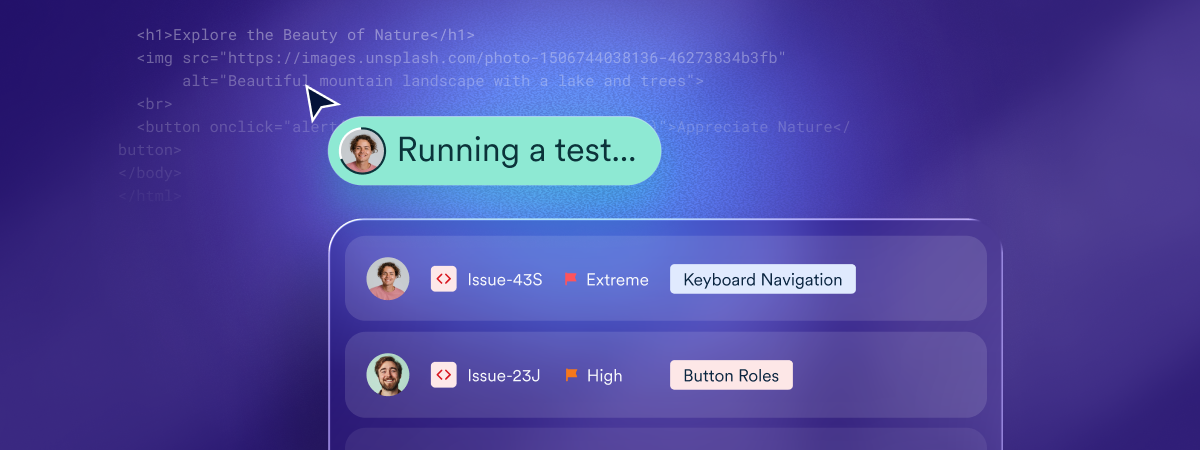
A6. Testing often surfaces issues such as missing or unclear labels, incorrect reading order, focus getting lost or trapped, inaccessible custom components, and interaction patterns that behave unpredictably for assistive technology users.
Q7. How does accessiBe support assistive-technology user testing?
A7. accessiBe offers user testing led by accessibility professionals and usability analysts with disabilities. These evaluations focus on real workflows and provide actionable insights to improve clarity, structure, and interaction for users who rely on assistive technologies.
Q8. How does assistive-technology testing fit into a broader accessibility strategy?
A8. Assistive-technology testing complements automation and expert remediation by showing how accessibility works in practice. Together, these approaches help enterprises maintain more reliable, user-centered accessibility across complex digital environments.