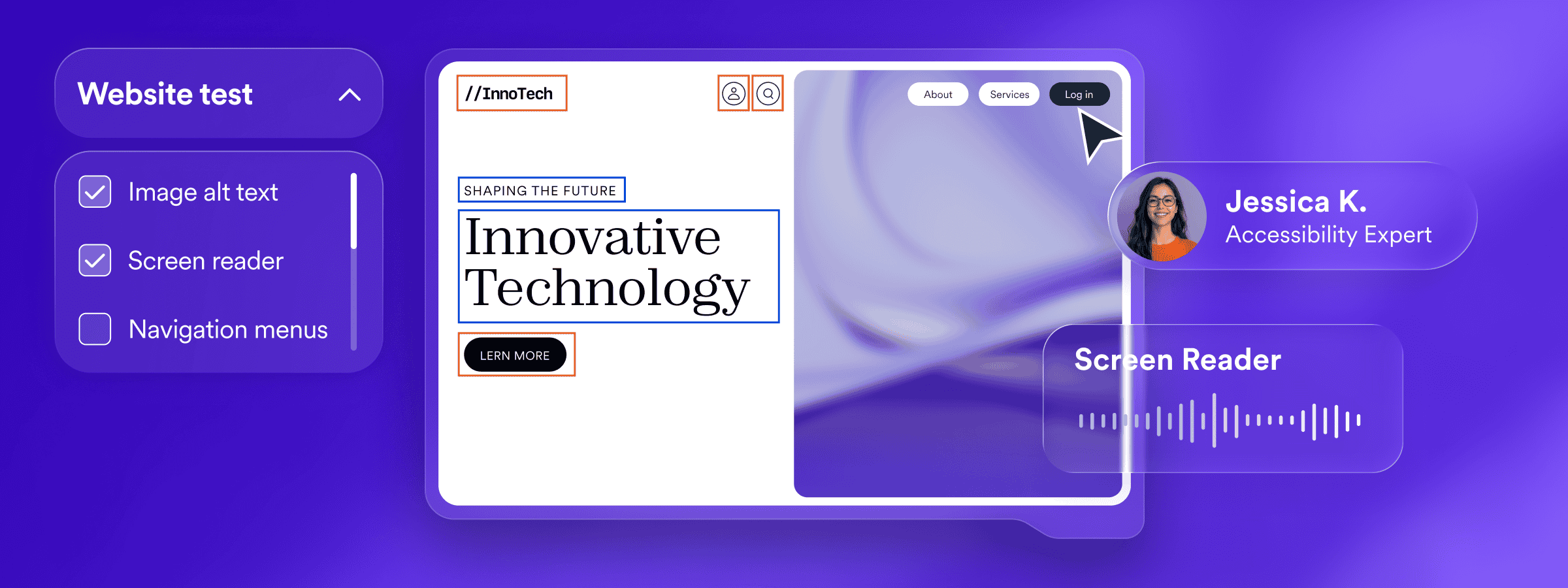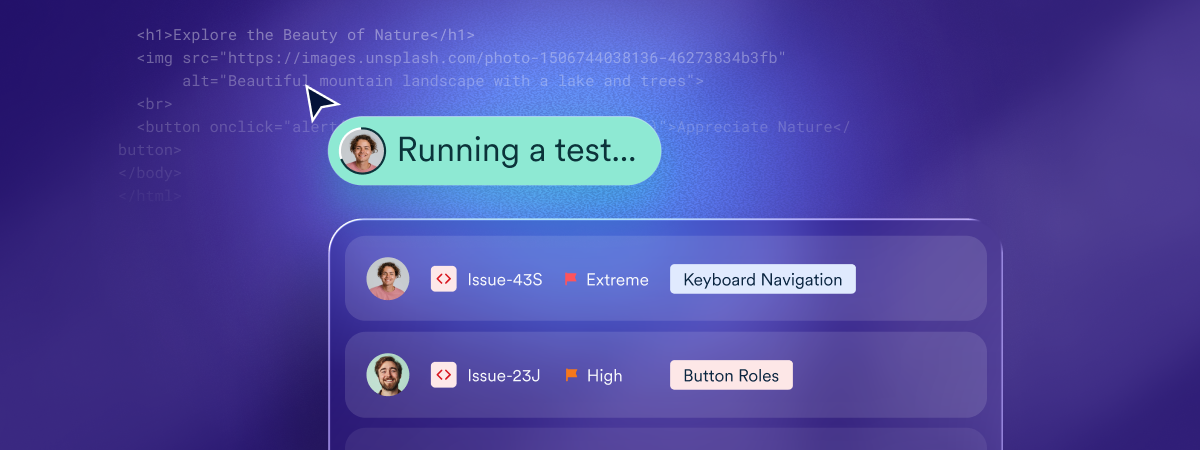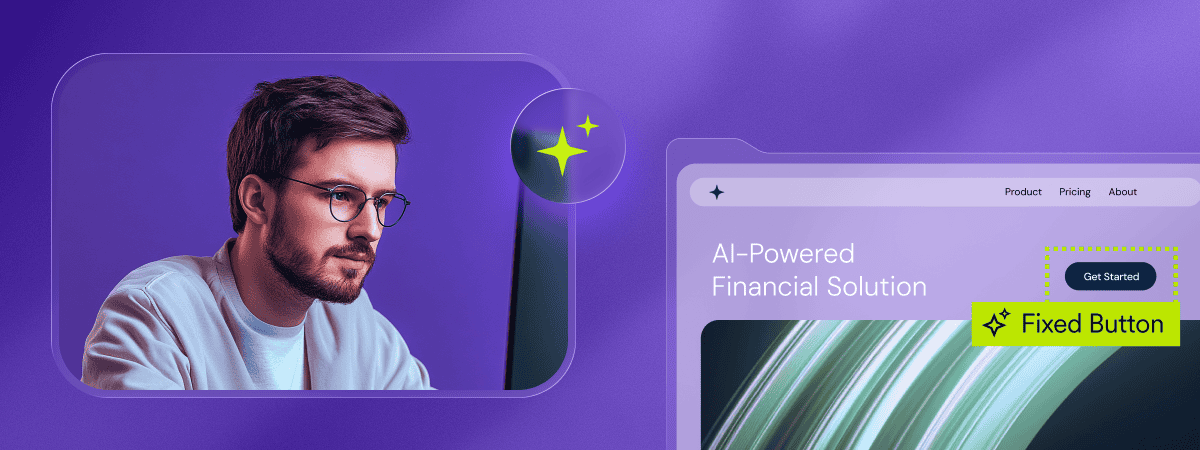
As accessibility expectations rise under laws like the Americans with Disabilities Act (ADA) and the European Accessibility Act (EAA), businesses face growing pressure to ensure their digital experiences align with the Web Content Accessibility Guidelines (WCAG). This work can feel overwhelming, especially as websites grow, change, and introduce new content daily.
In the middle of this pressure sits one central question:
What parts of accessibility can be automated—and where do humans remain essential?
AI-driven accessibility tools play an increasingly important role in helping organizations address WCAG guidelines and support compliance efforts. They analyze large amounts of content at scale, apply valuable session-based adjustments, and highlight barriers that could impact users with disabilities. Yet accessibility also includes dimensions that automation alone cannot resolve—areas that depend on context, interpretation, and engineering expertise.
This guide examines both sides and explains why a successful accessibility strategy blends the speed of AI with the insight of trained professionals.
A brief introduction to accessibility requirements
Digital accessibility laws differ from one region to another, but they all share a similar expectation: websites and digital content must be accessible to people with disabilities. Because most regulations do not contain technical instructions within their legal text, organizations are guided by WCAG, the globally recognized standard for creating accessible digital experiences.
WCAG lays out clear success criteria to ensure that content is perceivable, operable, understandable, and robust. For most organizations working to comply with the ADA, EAA, and Section 508 of the Rehabilitation Act (applicable to publicly funded bodies and services providers to such organizations), WCAG Level AA serves as the practical benchmark.
What does WCAG conformance entail?
Adhering to WCAG means ensuring that people with a diverse range of disabilities—including vision, hearing, motor, and cognitive disabilities—can navigate and interact with a website independently.
The guidelines span everything from text alternatives and color contrast to keyboard accessibility, predictable navigation patterns, and compatibility with assistive technologies. Many of these requirements are technical, while others focus on content clarity, usability, and design decisions.
Ultimately, a WCAG-adherent website helps ensure that people across the disability community—including more than one in four adult Americans—have equitable access to information and services.
In practice, WCAG conformance includes considerations such as:
- Providing text alternatives for images and meaningful visual content
- Ensuring sufficient color contrast across text, backgrounds, and UI elements
- Making sure all functionality is available via keyboard
- Structuring pages with clear headings, labels, and semantic HTML
- Designing predictable navigation patterns
- Ensuring content is readable, understandable, and consistent
- Supporting compatibility with assistive technologies like screen readers
To learn more about WCAG and what adhering to it entails, press here.
What AI-powered accessibility solutions are best used for — and where they reach their limits
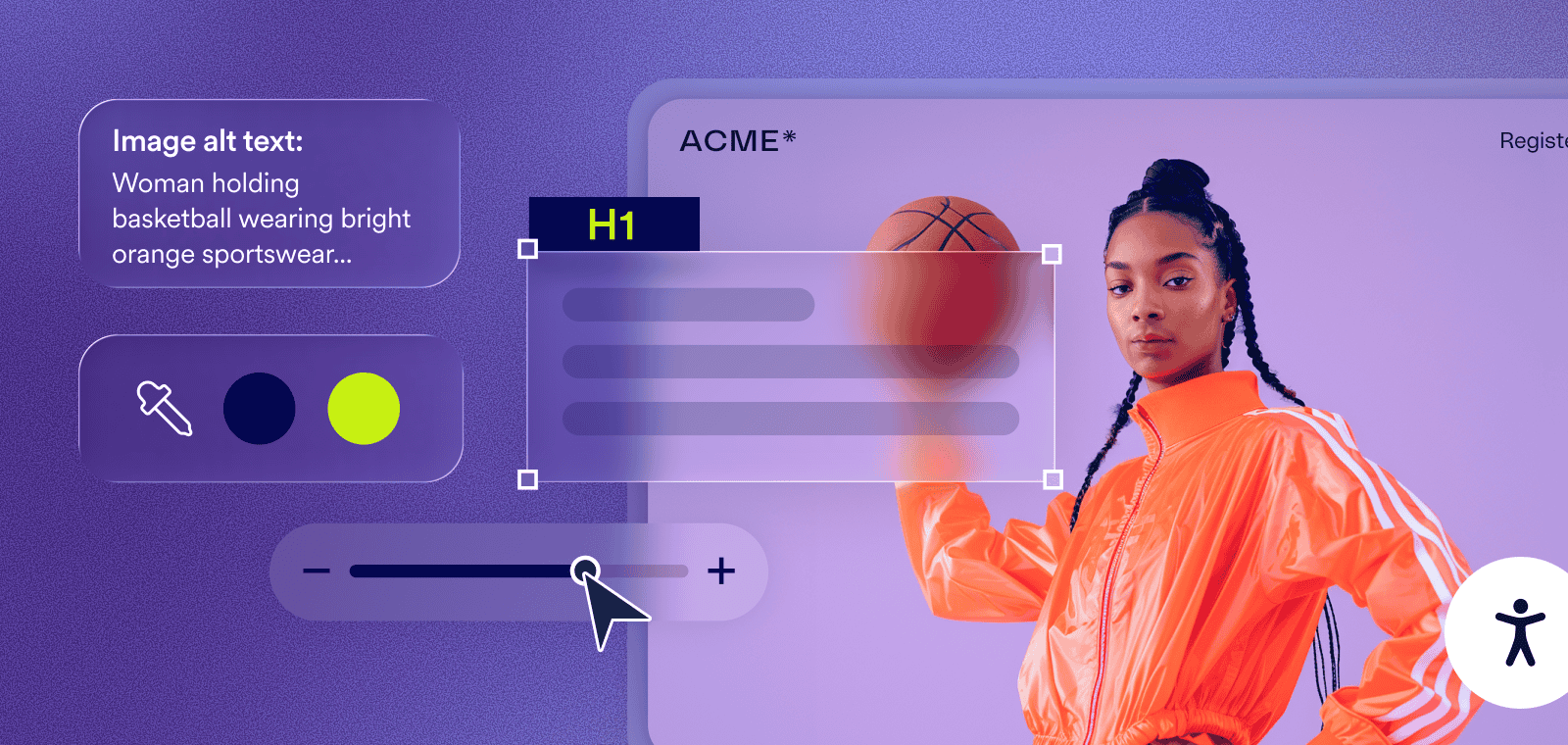
AI has reshaped how organizations approach accessibility by providing speed, scale, and real-time adjustments that support many WCAG requirements. These solutions are particularly effective when they address patterns that can be interpreted consistently or applied dynamically during a user’s browsing session.
Where AI excels
AI can meaningfully improve accessibility by enhancing the user’s experience in real time.
For example, an AI-driven interface can adjust contrast, increase spacing, enlarge text, pause motion, simplify layouts, and improve how content is interpreted by screen readers or navigated with a keyboard. These session-based enhancements give users control over the interface without altering the website’s underlying code.
AI is also highly effective at identifying many common accessibility issues.
It can quickly detect missing alternative text, insufficient color contrast, mislabeled form fields, or irregularities in heading structure. This type of automated detection gives organizations a clearer picture of their accessibility posture and helps them monitor how it changes as new content is introduced.
Where AI reaches its limits
Despite its strengths, AI cannot replace the deeper work accessibility requires. Session-based enhancements improve the experience for many users, but they do not restructure the actual code that supports long-term accessibility. AI cannot meaningfully interpret the intent behind content, determine whether labels or instructions are clear, or ensure that complex interactions behave predictably across assistive technologies.
It also cannot create accessible PDF structures, write accurate captions or audio descriptions, or generate formal accessibility documentation such as VPATs. These responsibilities involve human reasoning, technical skill, and an understanding of context — areas where automation cannot operate responsibly.
What areas of accessibility require human expertise?
Code-based accessibility
Native accessibility begins in the website’s source code. While AI can improve compatibility with screen readers or keyboard-only navigation on a session basis, permanent accessibility requires structural changes that must be implemented directly in HTML, CSS, and JavaScript. This includes establishing proper semantic hierarchy, ensuring full keyboard operability of custom components, managing focus behavior, and applying ARIA (Accessible Rich Internet Applications) attributes purposefully and correctly.
These decisions require trained developers and accessibility specialists. They evaluate complex interactions, design for assistive technology compatibility, and resolve issues automation alone cannot fix reliably.
PDFs, documents, and media
Documents and media cannot be made accessible through automation alone. To be accessible, PDFs must be tagged logically, follow a clear reading order, and include accurate descriptions for images and charts. Videos require captions, transcripts, and sometimes audio descriptions. Each of these tasks relies on a human’s ability to understand the content’s purpose and meaning.
Compliance documentation, including VPATs
A Voluntary Product Accessibility Template (VPAT) is a formal document used to describe how a digital product supports accessibility requirements such as Section 508, WCAG, or EN 301 549. Organizations often provide VPATs when working with government agencies or public sector buyers, as procurement teams must rely on them to understand a product’s accessibility posture and assess potential risk.
Because a VPAT must accurately reflect real-world accessibility, completing one is a wholly human, manual process. Automated tools can assist with collecting data, but they cannot generate a VPAT. Filling one out requires trained reviewers to manually inspect websites and other Information and Communications Technology (ICT), evaluate how each component aligns with accessibility standards, and document those findings clearly and accurately. This hands-on approach ensures the resulting report can be used confidently in procurement and compliance workflows.
Comprehensive auditing
Automation can reveal many accessibility gaps, but only a comprehensive audit can show how well a website actually works for real people. Expert auditors review structure, interaction patterns, and assistive technology compatibility at a depth automated tools can’t reach. They interpret WCAG criteria in context, evaluate how components behave across devices and browsers, and examine whether the site is built in a way that supports long-term accessibility.
User testing is an equally important part of this process.
People with disabilities navigate the website using the assistive technologies they rely on every day. Their feedback highlights barriers that automated scans simply cannot detect—such as unclear instructions, confusing interaction flows, or places where the intended meaning isn’t fully conveyed. Together, expert review and lived experience create a more complete understanding of accessibility and reveal improvements that meaningfully support all users.
Blending the best of AI, human expertise, and developer tools: the ultimate approach
Because accessibility is multifaceted, no single method can address every WCAG requirement or support every part of an organization’s ADA and EAA compliance efforts.
The most sustainable approach combines the speed of AI-driven technology with the depth of human expertise and the structure of developer-focused workflows.
This blended model allows organizations to make meaningful progress quickly while still tackling the areas that require interpretation, engineering skill, or lived experience.
accessiBe’s end-to-end accessibility platform is built around this balanced approach.
accessWidget helps make websites more inclusive by providing session-based adjustments and improving the way content is interpreted by assistive technologies such as screen readers and keyboard-only navigation. These capabilities support many important WCAG considerations and give users the ability to tailor the interface to their individual needs—all without altering the underlying code.
To complement these automated benefits, accessiBe also provides human-led tools and services that support the aspects of accessibility that cannot be automated.
accessFlow, a comprehensive accessibility management platform for developers, helps teams build accessibility directly into their codebase. It offers features for auditing, monitoring, and workflow management that guide developers through native remediation. accessFlow also includes a developer-friendly SDK and supports integrations through the MCP, making accessibility testing a natural part of existing development pipelines. Because accessFlow does not apply automatic corrections, it keeps developers fully in control of their code while providing clear, actionable direction on what needs to be addressed and why.
Organizations looking for VPATs, user testing, and file accessibility services can turn to accessServices. These offerings provide the specialized expertise needed to address accessibility requirements beyond the website’s code, including accessible PDFs and office documents, expert audits, and user testing with people with disabilities who rely on assistive technologies. This work covers areas that require human interpretation, detailed remediation, and real-world insight—essential components of a complete accessibility strategy.
accessiBe also provides a dedicated human-expert layer for organizations using accessWidget—an important addition for teams that want deeper validation and hands-on refinement.
Through Manual Testing & Custom Remediation (MTCR), accessibility specialists closely review how accessWidget functions across key pages and user journeys, assess real-world behavior with assistive technologies, and apply or recommend targeted improvements. MTCR focuses on complex patterns and edge cases that benefit from expert interpretation, helping organizations maximize the impact of accessWidget and strengthen their overall accessibility efforts.
Navigating accessibility in a more complex digital world
Since we at accessiBe first began supporting organizations on their accessibility journey, we’ve seen how dramatically digital experiences have evolved. Even small and midsize businesses now manage websites with dynamic layouts, embedded media, interactive components, and continuously changing content. With this growing complexity comes a broader set of WCAG considerations—and a higher bar for maintaining accessibility and managing legal risk.
In this environment, relying on a single method is often no longer practical.
The most effective path is a layered strategy that uses automation for scale and efficiency, supported by human expertise for context, interpretation, and code-level accuracy.
This balanced approach helps organizations keep pace with change, address issues that automation alone can’t resolve, and continue building digital experiences that are inclusive and accessible to all.
Frequently asked questions about AI automation vs. human expertise
Q1. What accessibility issues can automation help solve?
A1. Automation is highly effective at detecting common accessibility issues at scale, such as missing alternative text, low color contrast, structural inconsistencies, and mislabeled form elements. Solutions like accessWidget also apply session-based adjustments that improve how content is interpreted by assistive technologies during a user’s visit.
Q2. What are session-based accessibility adjustments, and how does accessWidget use them?
A2. Session-based adjustments modify how a website behaves or is presented during a user’s browsing session without changing the underlying code. accessWidget uses these adjustments to enhance keyboard navigation, screen reader interpretation, contrast, spacing, and other usability factors—giving users control while supporting many WCAG considerations.
Q3. Why can’t automation fully replace human expertise in accessibility?
A3. Many accessibility requirements depend on context, intent, and usability judgment. Automation cannot reliably interpret meaning, assess whether instructions are clear, validate complex interactions, or make permanent structural changes to code—areas where expert human evaluation is essential.
Q4. Which accessibility tasks require human involvement?
A4. Code-level remediation, accessible PDFs and documents, captions and audio descriptions, VPAT documentation, comprehensive WCAG audits, and real user testing all require trained professionals. These services are provided through accessServices, which focuses on the areas of accessibility that cannot be responsibly automated.
Q5. Why is code-based accessibility still necessary if accessWidget is in place?
A5. While accessWidget improves accessibility during user sessions, long-term accessibility depends on how a website is built at the source-code level. accessFlow helps developers remediate issues natively by guiding fixes in HTML, CSS, and JavaScript—ensuring durable accessibility that persists across updates and new features.
Q6. Can AI help with accessibility audits and compliance documentation like VPATs?
A6. AI can assist by collecting data and highlighting patterns, but it cannot produce a reliable VPAT or conduct a full audit. VPATs and formal audits require manual inspection and expert judgment, which are delivered through accessServices by trained accessibility professionals.
Q7. Why is user testing important, even when automated tools are used?
A7. User testing with people who rely on assistive technologies reveals barriers automated tools cannot detect—such as confusing workflows or unclear messaging. Through accessServices and Manual Testing & Custom Remediation (MTCR), accessiBe incorporates real-world testing to validate accessibility and refine automated adjustments.
Q8. What is the most effective way to manage web accessibility over time?
A8. The most effective approach blends automation, human expertise, and developer tools. accessWidget supports scale and real-time usability, accessFlow enables native code-based remediation, accessServices addresses audits, testing, and documentation, and MTCR enhances automation with expert insight—creating a sustainable, end-to-end accessibility strategy.